Every Wednesday we get on a call with the inspectors who use AEYES every day. We show what's coming, they tell us what's broken, and somewhere in the middle someone shares a habit that makes the whole inspection go smoother.
These came up on our last call, plus a few we keep repeating when we help someone through their first jobs.
1. Capture the systems first, then switch to defects
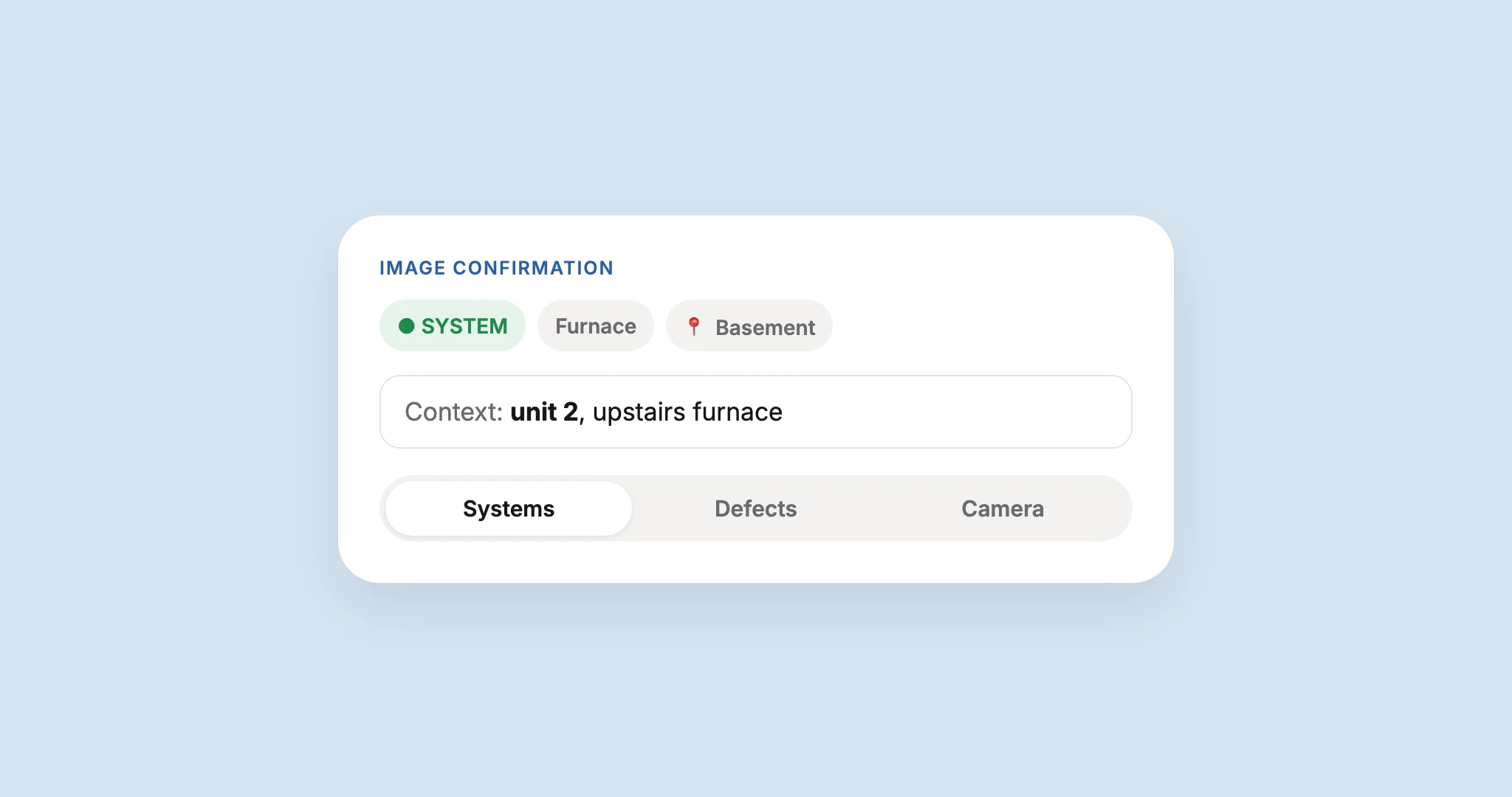
Under the shutter on the Vision Lens you pick Systems for anything in the home and Defects for a problem. When you walk into an area, shoot the systems first: the water heater, its data plate, the panel, the furnace. Then switch to Defects for what's wrong with them.
That way the report knows what's there, with its brand and age, before you start writing up what's wrong with it. It also keeps you from jumping between modes all day.
2. Two of the same thing? Name the unit
A duplex, a house with two furnaces, a second water heater in the garage. Say which one it is when you take the photo. Type it into Add optional context and location, for example "unit 2" or "upstairs furnace".
If two systems still end up as one, open the Review tab: AEYES can split a system into units, so the report shows two furnaces and not one furnace with everything from both.
Two words of context on the photo save you five minutes of moving findings around later.
3. Set the room once, change it when you move
Tap the location chip on a photo and say the room, "rear left bedroom". It stays on every photo after that until you change it. So the one habit is changing it when you walk into the next room. Forget it, and the kitchen findings end up in the bedroom.
4. Put the data tag on the same finding
On the photo confirmation screen, tap Camera or Photo Library to add more photos to the same finding. A system photo plus a close-up of its data plate belong together. Tap the sparkle on up to two extra photos and AEYES reads them too, so the brand and the year come from the plate, not a guess.
5. Approve after each room
The Approve list fills up as you go. Swipe through it before you leave each room, while you still remember what you saw. Twenty cards at the end of the job is when things get approved without being read.
6. Open the inspection before you go down
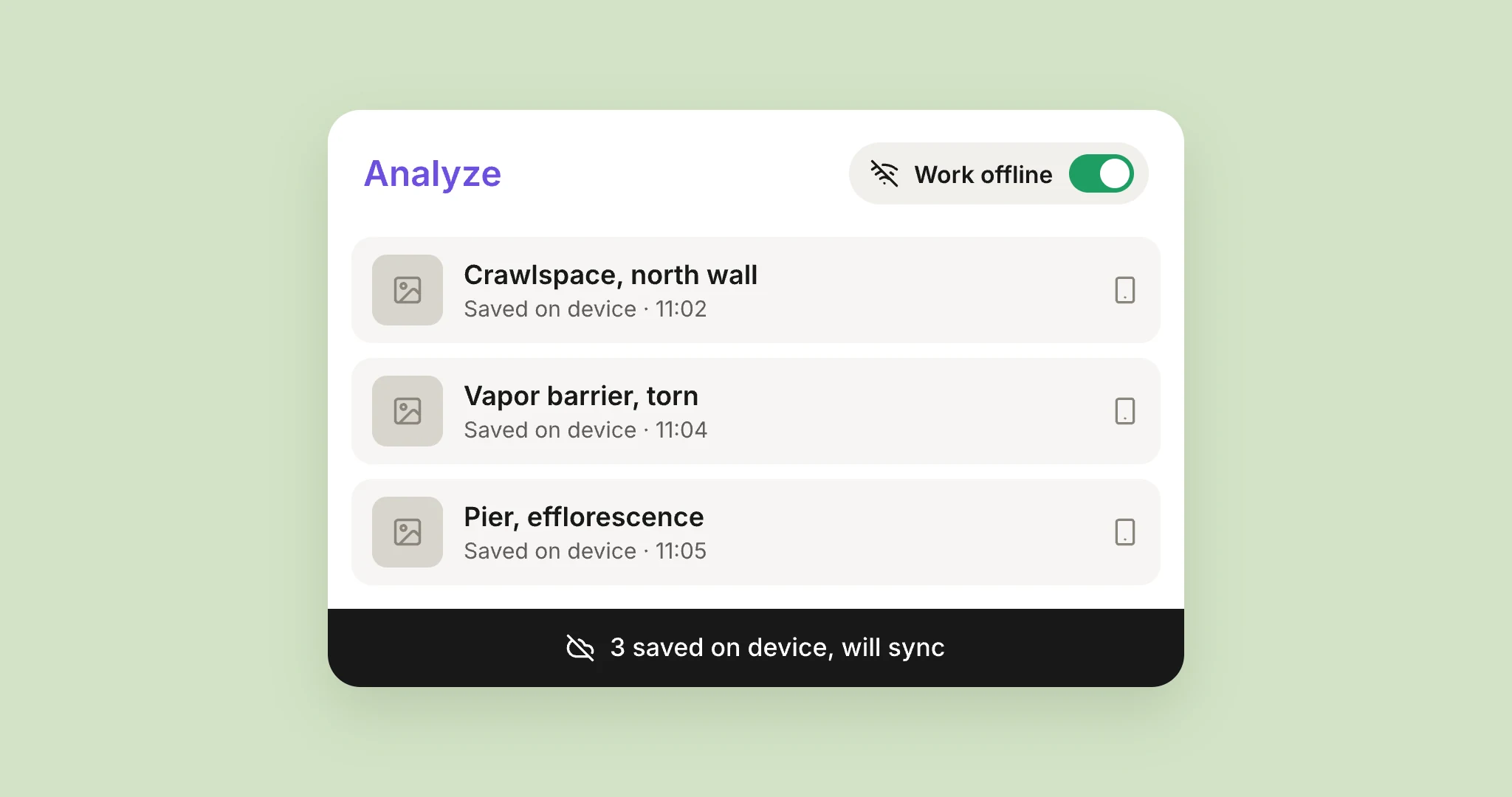
Heading into a basement or a crawlspace with no signal? Open the inspection while you still have one. AEYES keeps what you've opened on the phone, and everything you shoot down there waits safely until you're back in range.
Why we share these
None of these are hidden features. They're habits, and you only learn them by doing a few jobs, or by listening to someone who has done a few hundred. If you have one of your own, bring it to the next call.