Inspect the house.
Skip the write-up.
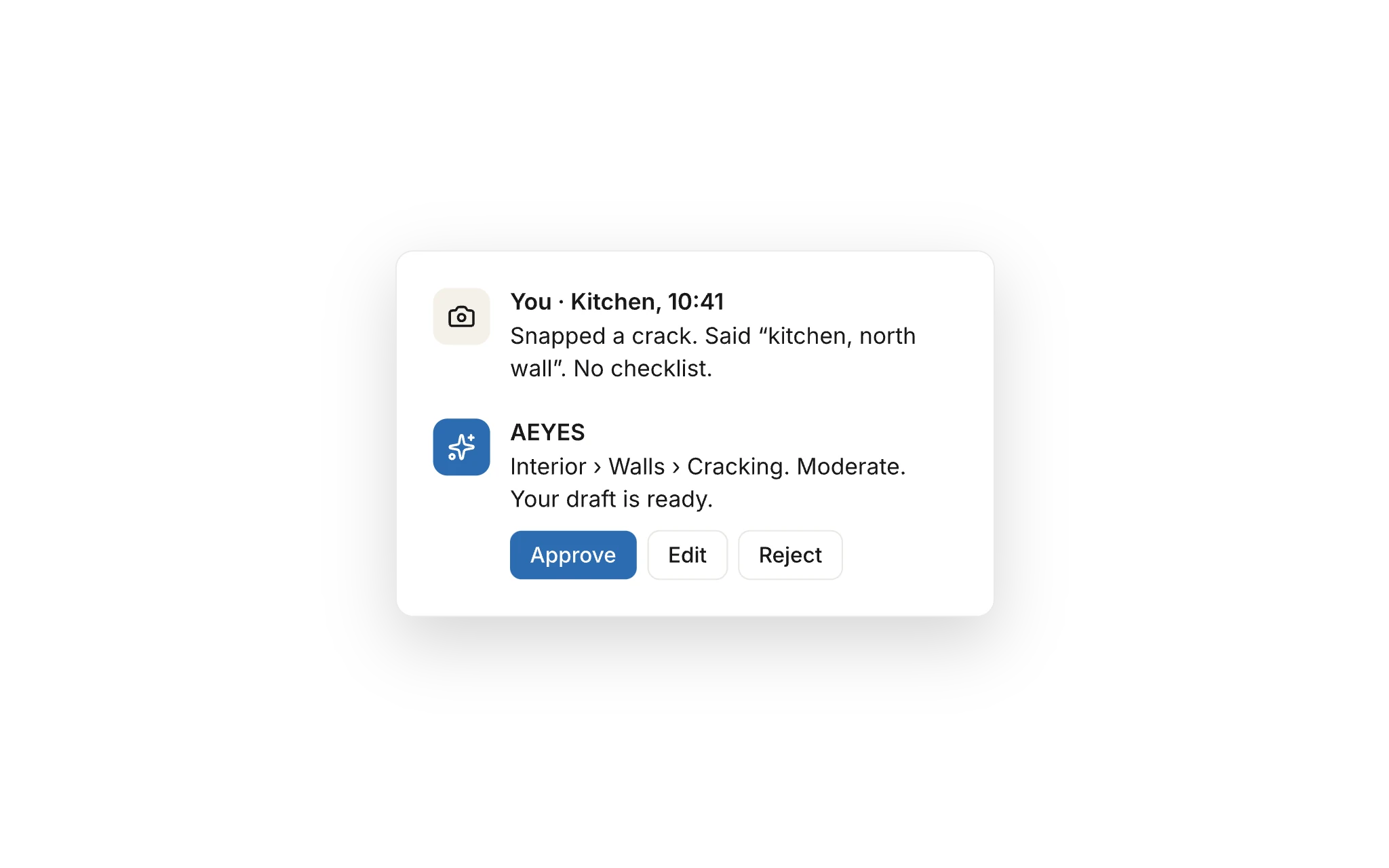
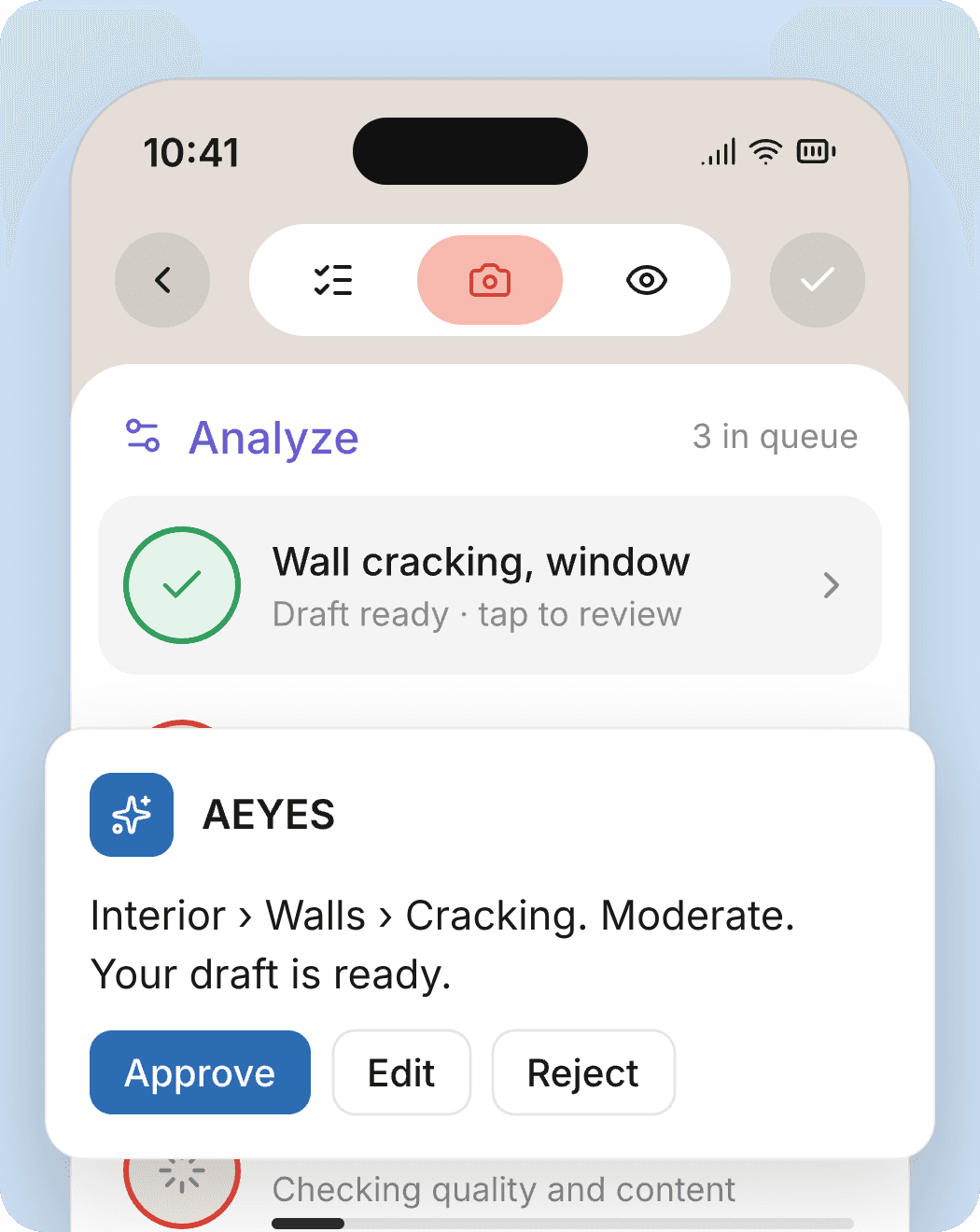
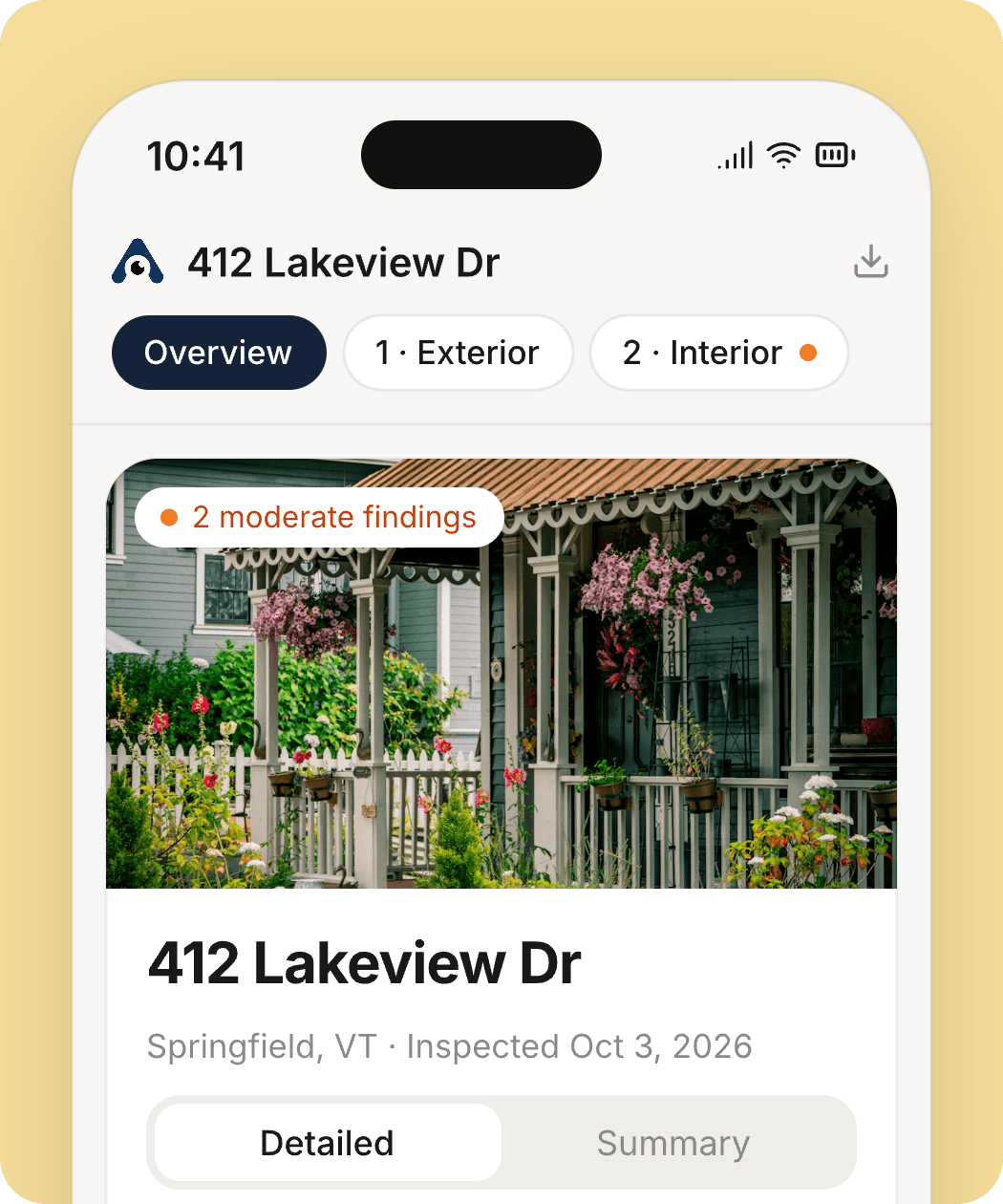
Take photos as you walk. AEYES drafts every finding, files it in your report, and waits for your approval. The report is done before you leave the driveway.
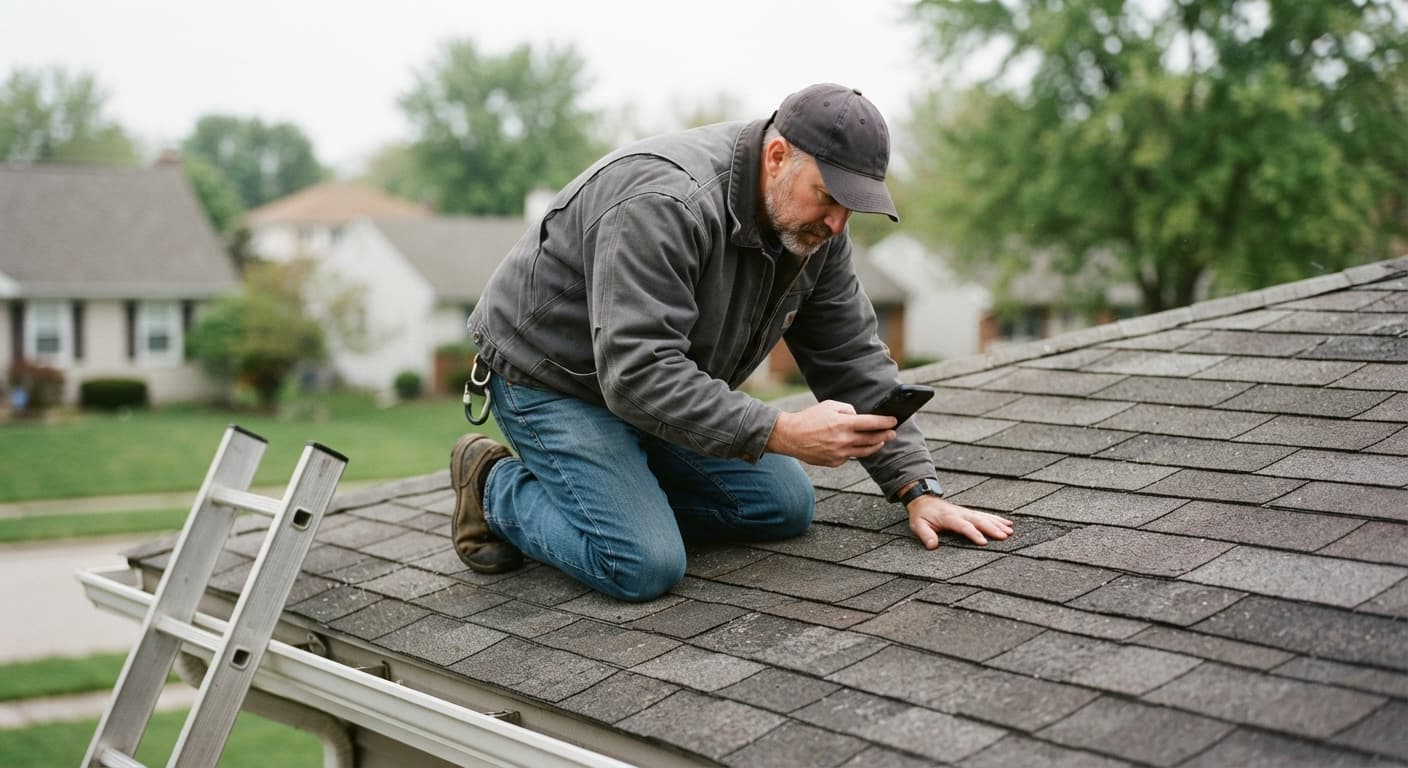
Built by home inspectors. Tested in attics, crawlspaces and on roofs.
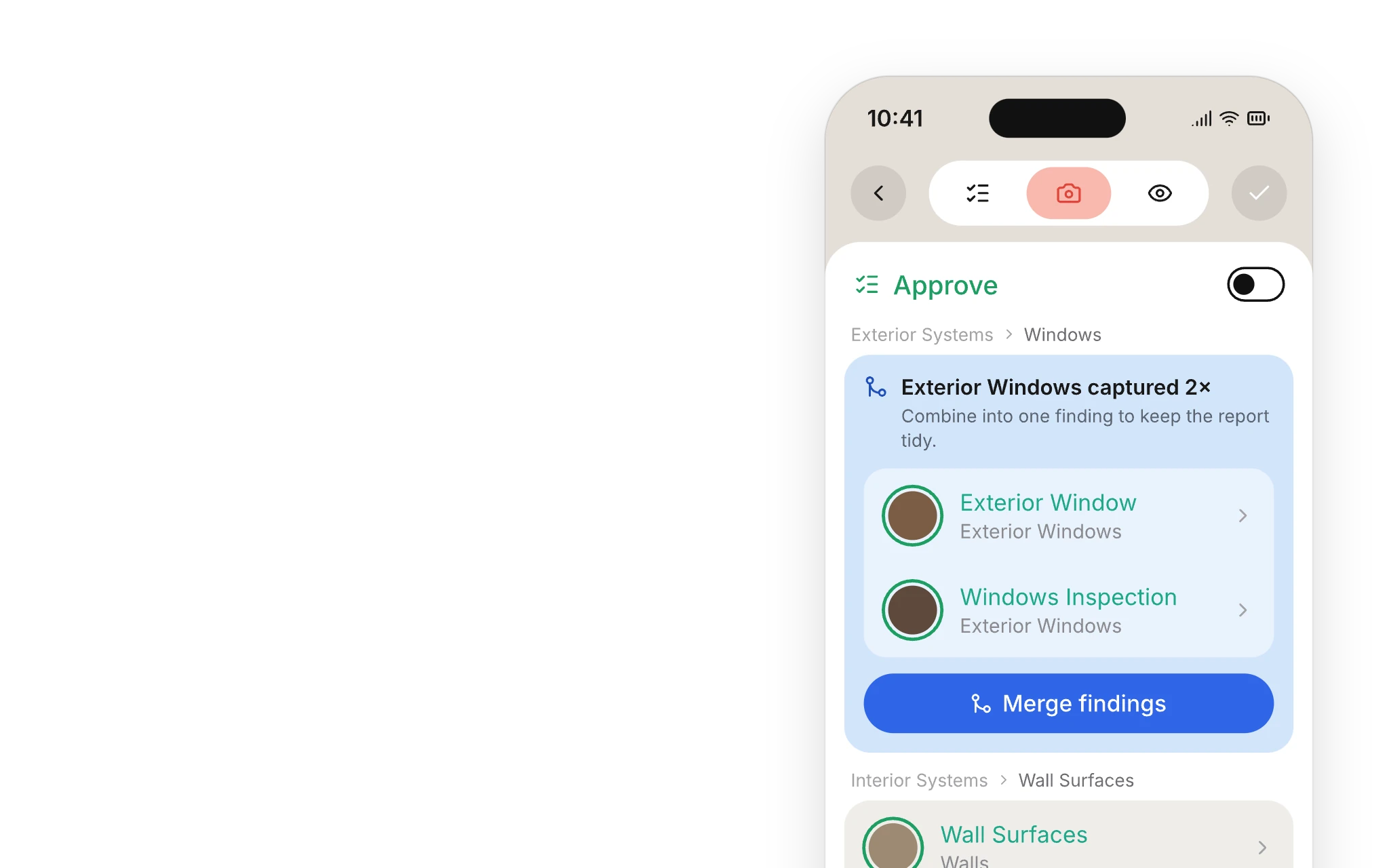
No inspection template. Photograph what you find, in whatever order the house gives it to you. AEYES works out the system, drafts the finding, and waits for your approval.
Inspectors who got their time back.
“Before AEYES, I was using pen and paper and spending 4–5 hours each night to complete my reports. Now I am completing my inspections in the field. AEYES has been like going from a covered wagon to a Ferrari.”
 Mike BensonOwner/President, M&S Home Inspections LLC
“I can schedule, document defects, and complete more of my reports while on-site, saving me hours of work every week. AEYES has given me something invaluable as a business owner: my time back.”
 Jenna RobertsSummit Home Inspection
If you can take a photo,
you can run an AEYES inspection.
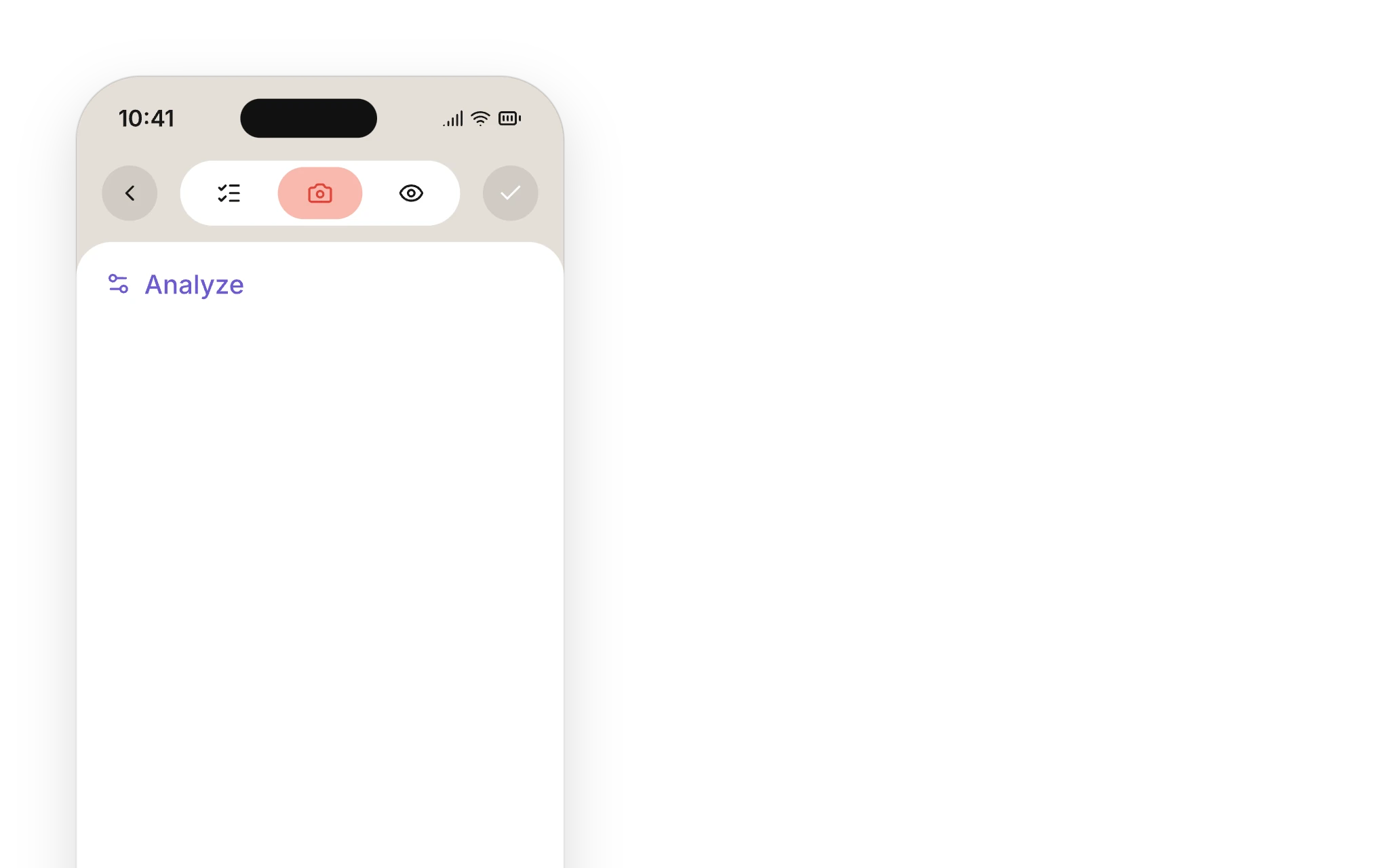
You do three things: move, snap, approve. AEYES does the rest in the background, so the report builds while you inspect.
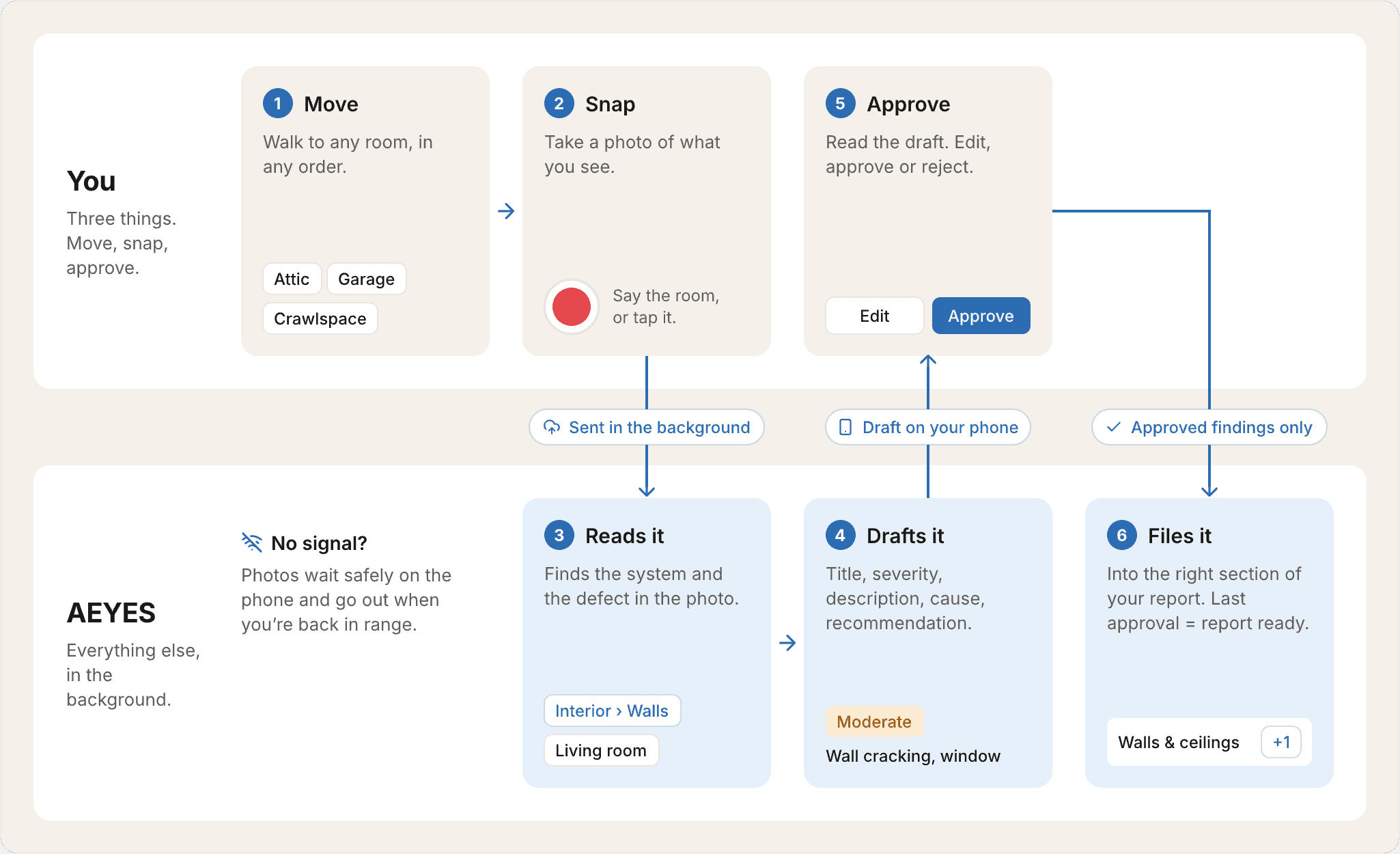
- 1MoveWalk to any room, in any order.You
- 2SnapTake a photo. Say the room, or tap it.You
- 3Reads itFinds the system and the defect.AEYES
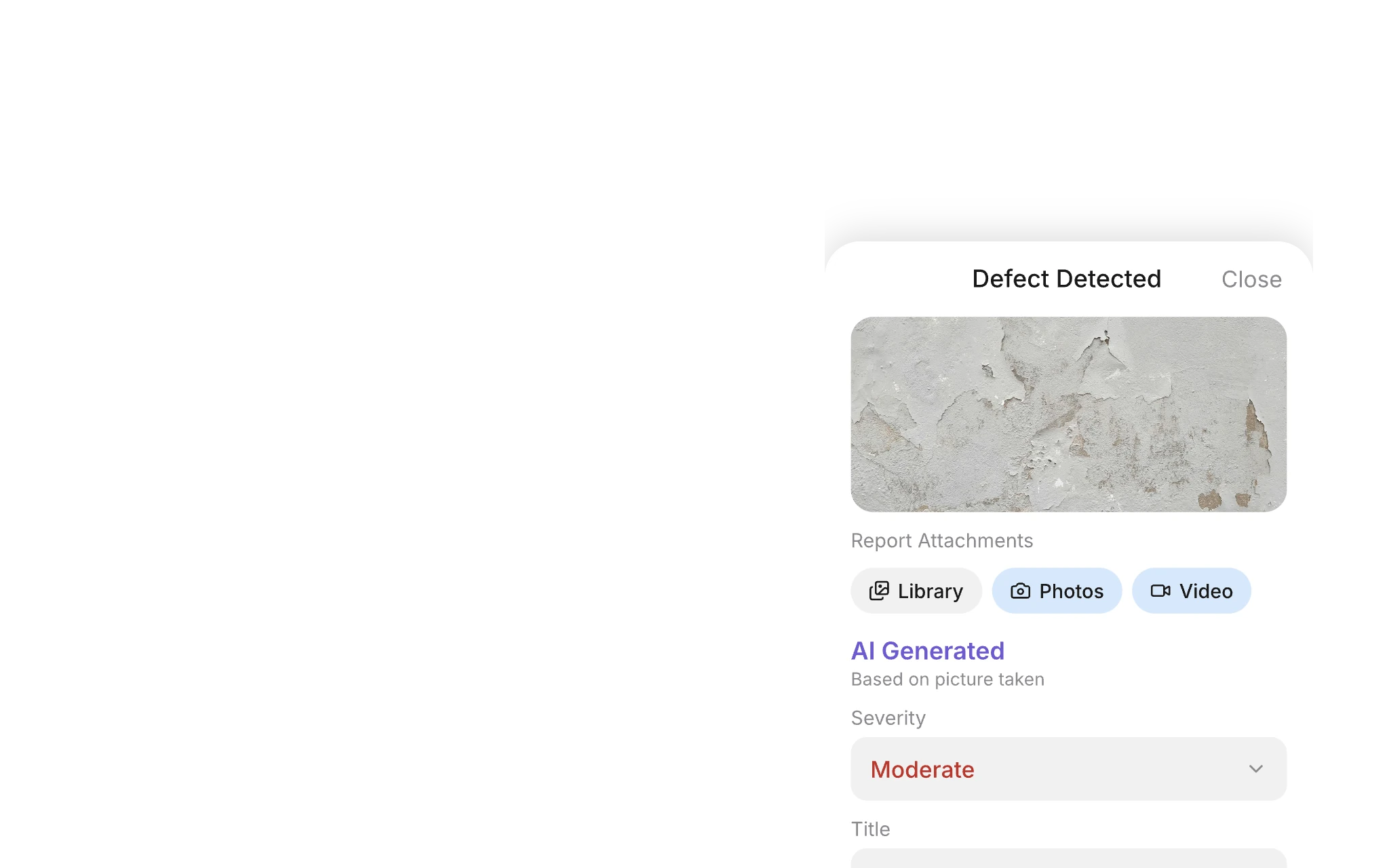
- 4Drafts itTitle, severity, cause, recommendation.AEYES
- 5ApproveRead the draft. Edit, approve or reject.You
- 6Files itInto the right section of your report.AEYES
Every finding drafted.
Nothing sent without you.
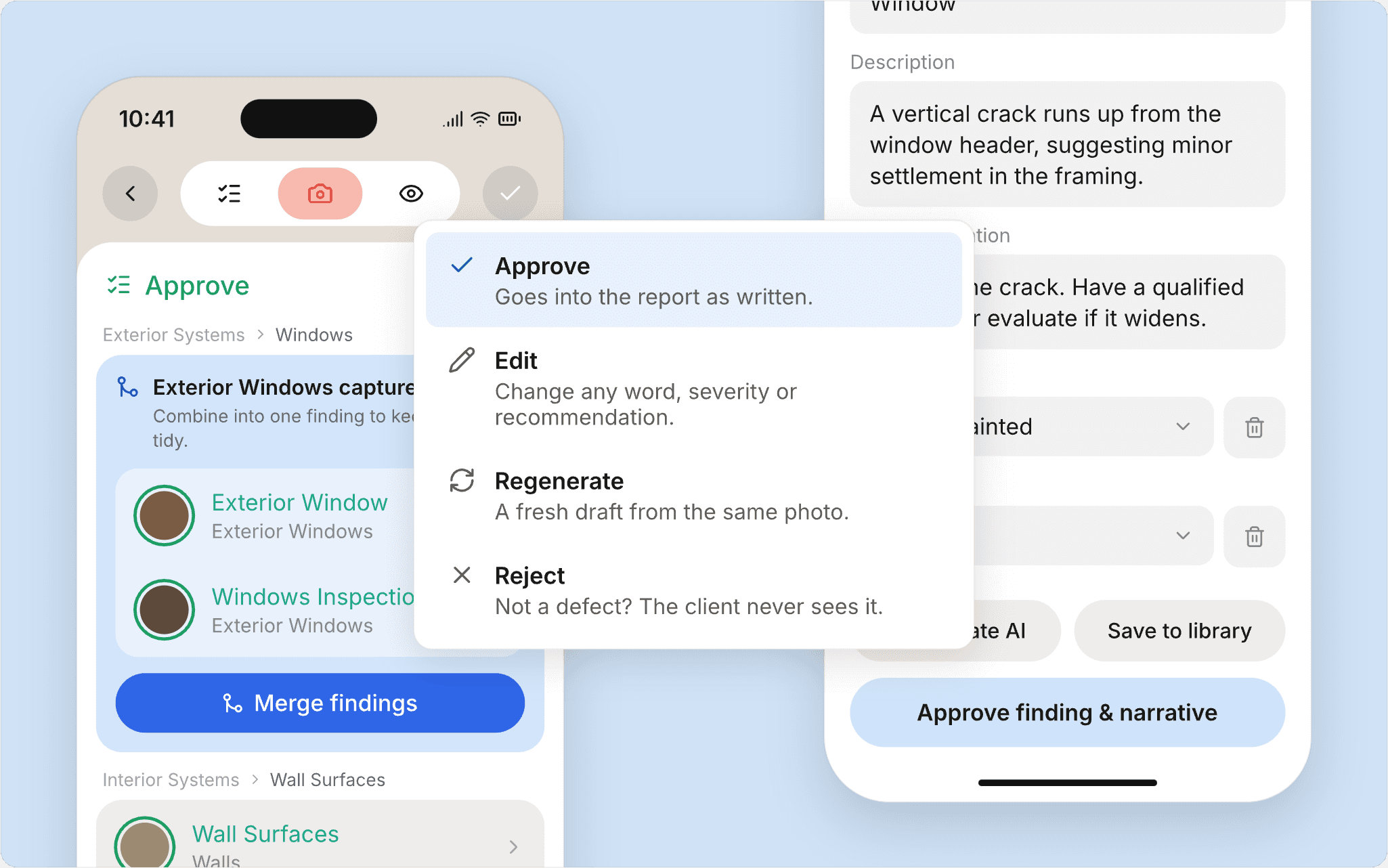
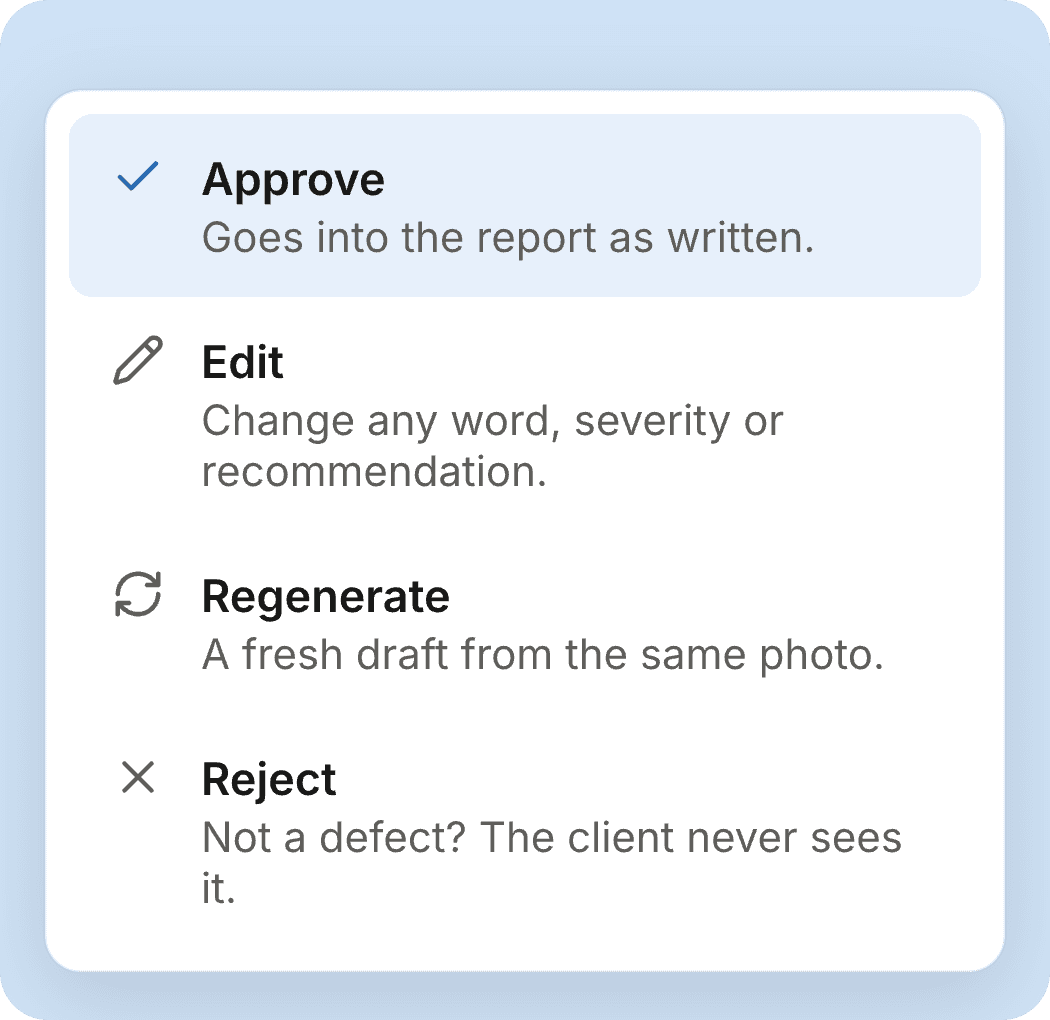
AEYES reads the photo itself and drafts the whole finding: system, severity, what it is, the likely cause and what to recommend. Then it stops and waits for you.
Your report template.
No inspection checklist.
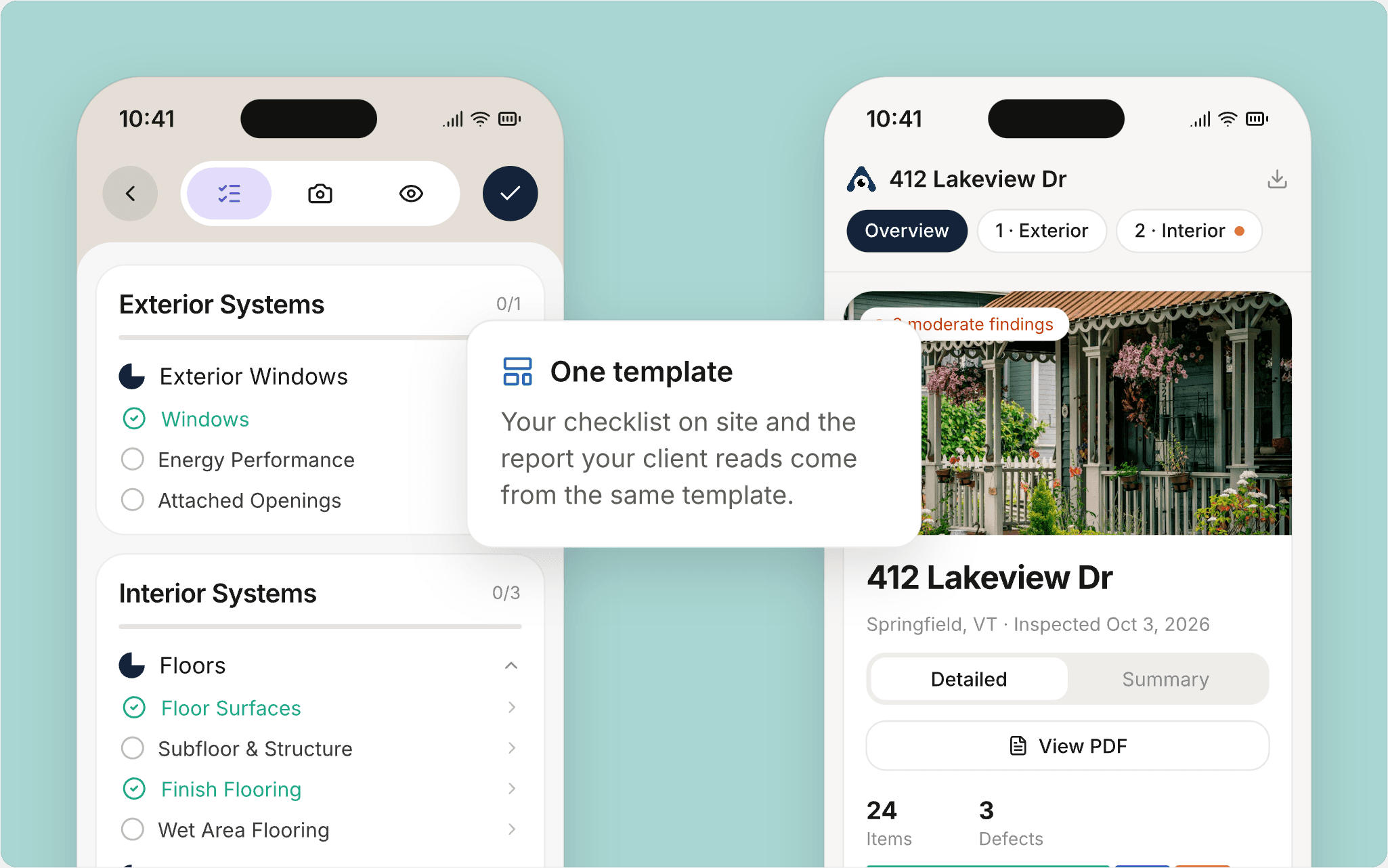
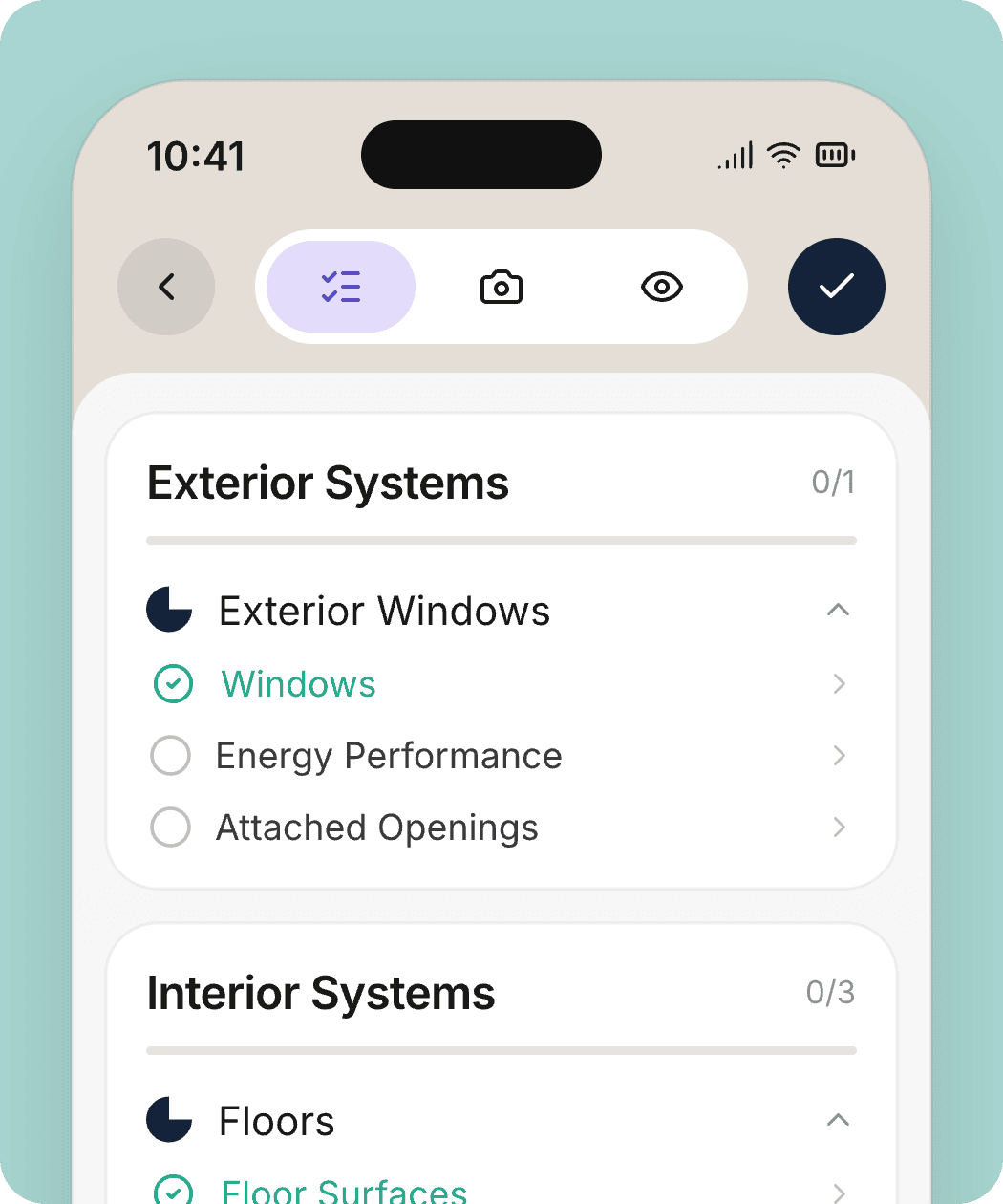
Your template decides what the client reads: sections, order, wording, branding. The Structure tab shows what you’ve covered on site. Neither tells you where to walk.
The report builds itself
as you approve.
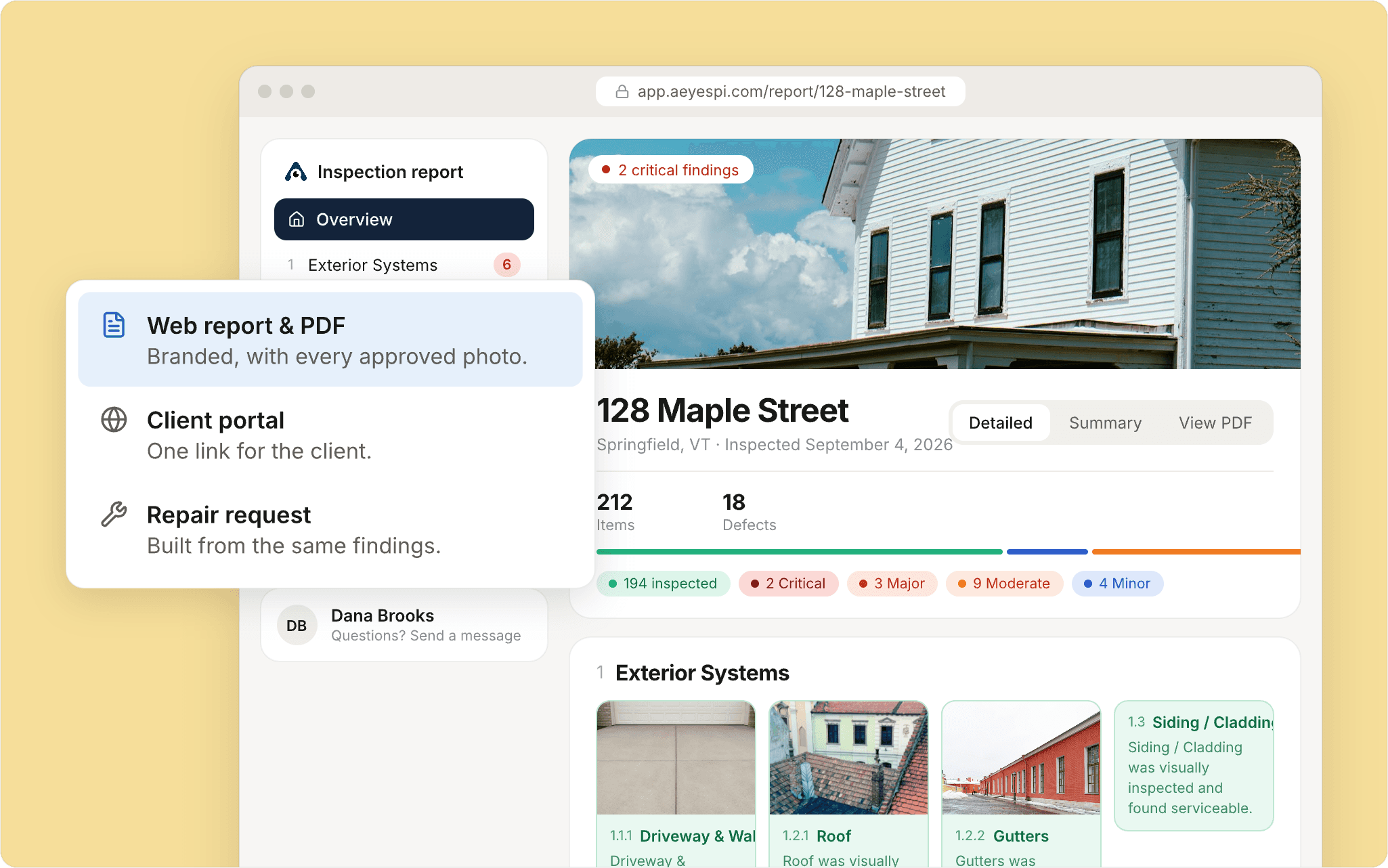
A branded web report and PDF, a client portal, and repair requests, all from the same approved findings. Send it from the driveway.
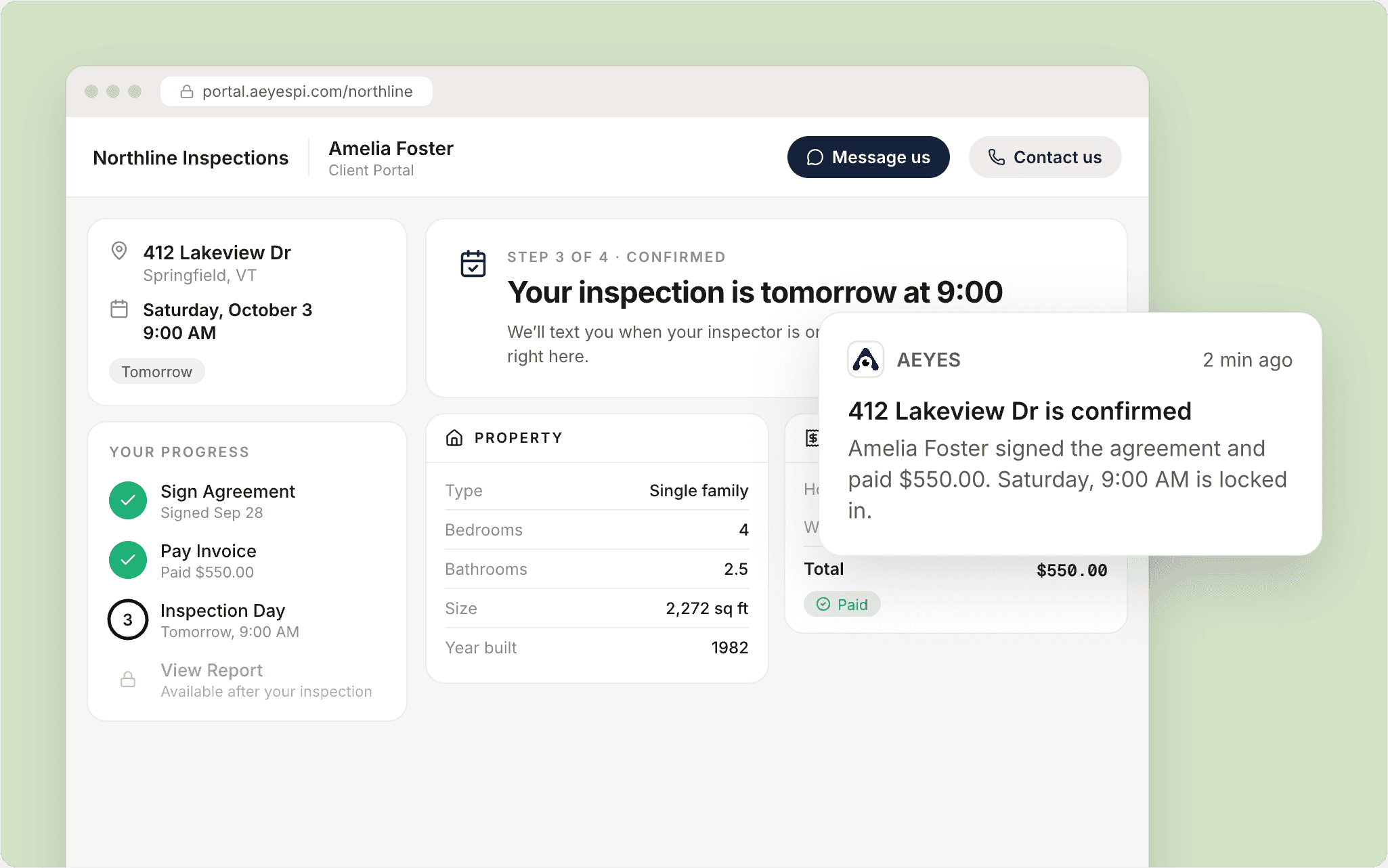
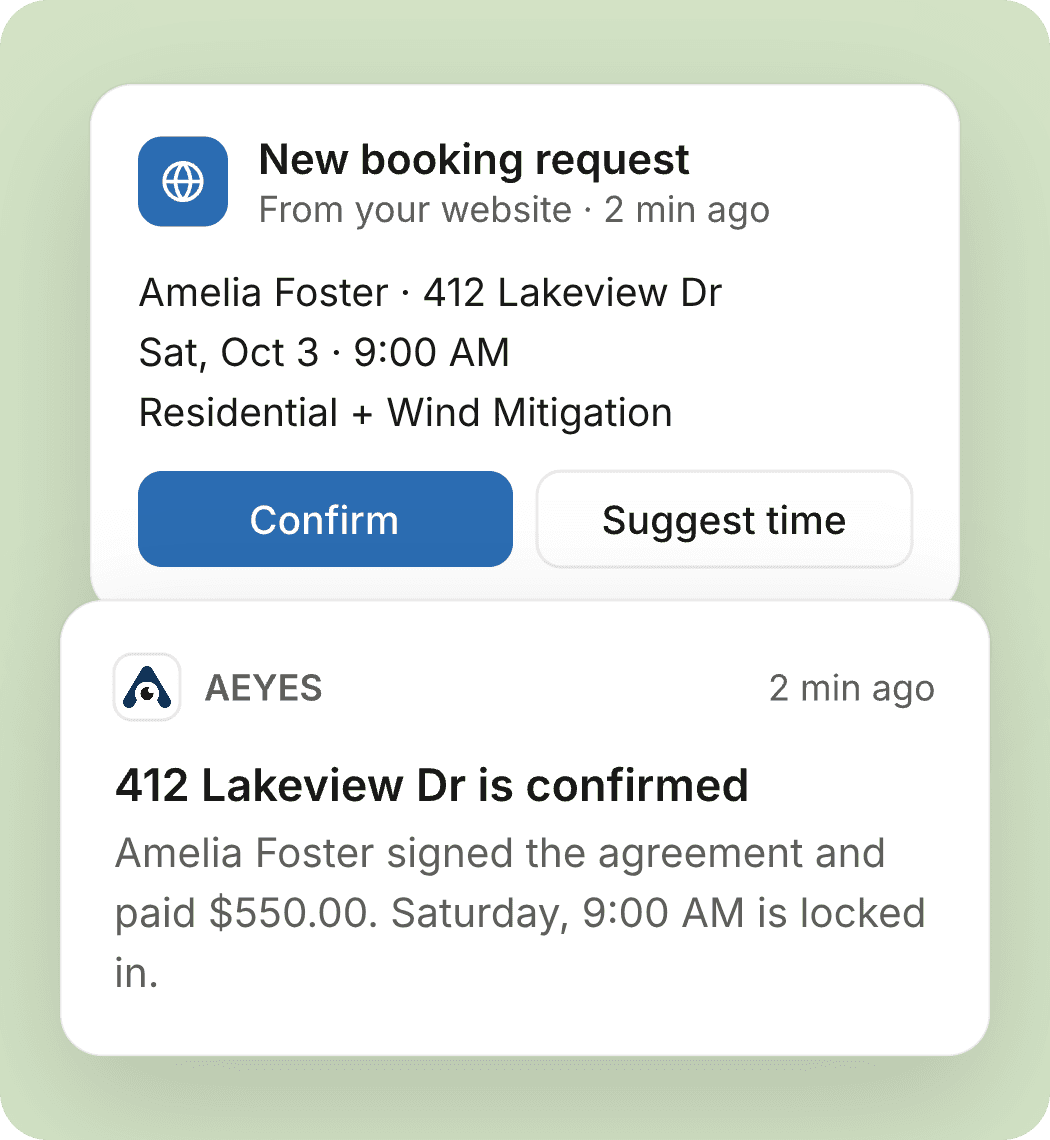
Booking, agreements and payments,
all in one place.
Clients book online, the agreement goes out with the booking, and payment unlocks the report. No separate office software to keep in sync.
Pay for the inspections you do.
Try one free.
Solo Starter
For trying AEYES, or fewer than 15 inspections a month.
What’s included
- AI findings on every photo
- Ask AEYES™, your business assistant
- Mobile app and web reports
- AEYES scheduler
- One inspector, up to 15 inspections a month
Solo Pro
RecommendedFor the full-time solo inspector.
Everything in Solo Starter, plus
- Unlimited inspections
- AEYES Radar™
- Reassignment monitor
- Costs less than Starter from 14 inspections a month
Built for the field.
Works offline
Crawlspace, no signal? Keep shooting. Everything syncs when you’re back in range.
Say the room
Tap the mic and say “kitchen, north wall”. AEYES tags the finding’s location for you.
Two inspectors, one house
Split the house between you. Findings from both phones land in one report.
Your branding
Your logo, colors and standard wording on every report and PDF.
Switch at your own pace
Run AEYES next to your current software until you trust it.
Locked with Face ID
Client photos and addresses stay behind your phone’s lock.
See AEYES on a real inspection.
Questions & answers
I’m not great with technology. Is this for me?
If you can take a photo and tap Approve, yes. There’s nothing to set up before your first inspection, and the sorting, filing and first draft happen in the background.
Where is my inspection template?
There isn’t one, on purpose. You photograph what you find, in any order. AEYES works out which system each finding belongs to and files it in your report template.
Without a checklist, won’t I miss something?
Your report template still lists every section, and the app shows what you’ve covered so far. It just doesn’t tell you which room to walk into next.
What if the AI gets it wrong?
Edit it, regenerate it, or reject it. Nothing goes into the report until you approve it, so a wrong draft costs you a tap, not a mistake in front of your client.
Can I keep my report layout and branding?
Yes. Import the report you use today from a PDF into Report Studio, or start from ours. Your sections, wording, logo and colors carry over to the web report and the PDF.
Do I have to move my whole business at once?
No. Run AEYES next to your current software until you trust it, then move the rest over at your own pace.
Try your next inspection free.
No setup, no template to build. Sign up, open the app, and take the first photo.