4-Point and Wind Mitigation, signed and ready.
Both insurance forms are added to every Florida inspection, with the header already filled in. Answer the questions in a guided form that mirrors the official one, and your client gets signed PDFs.

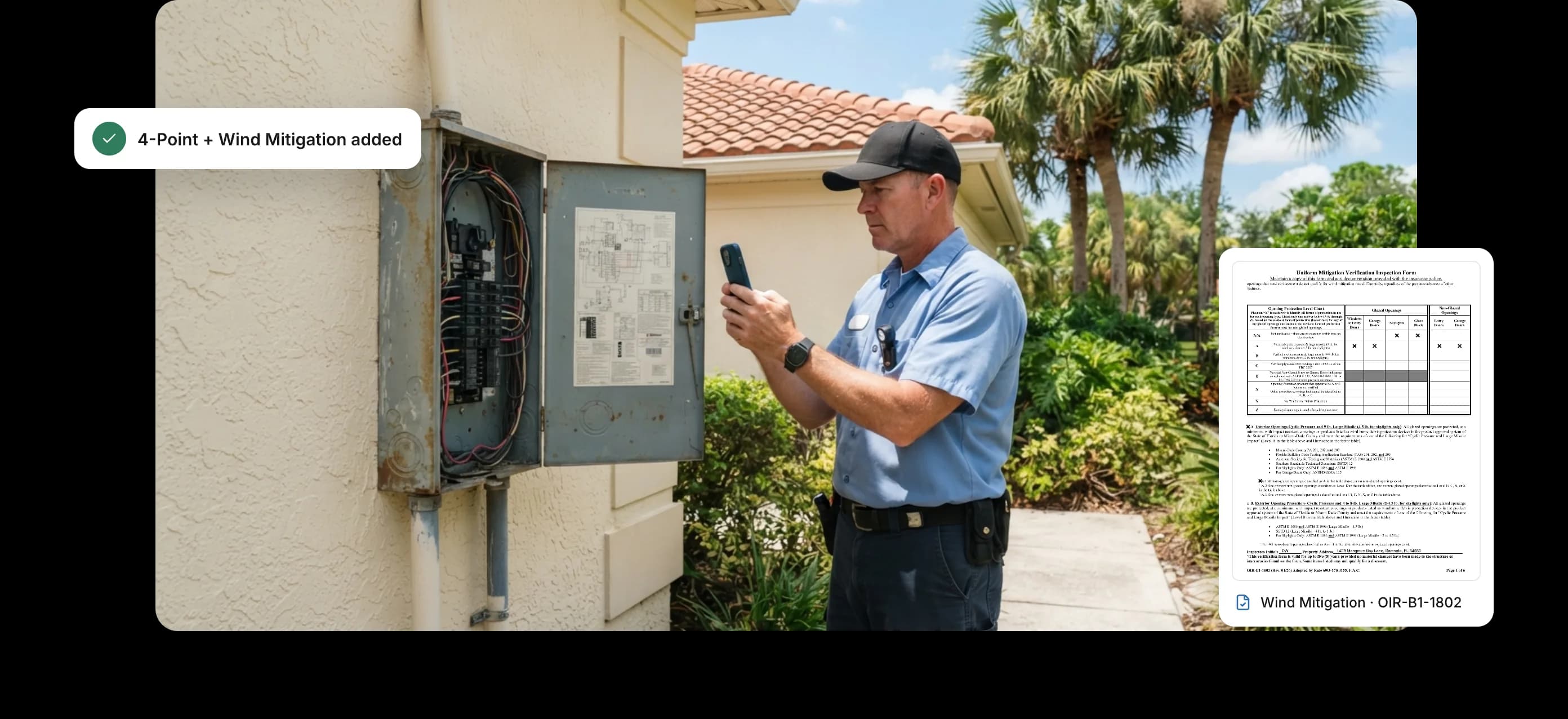
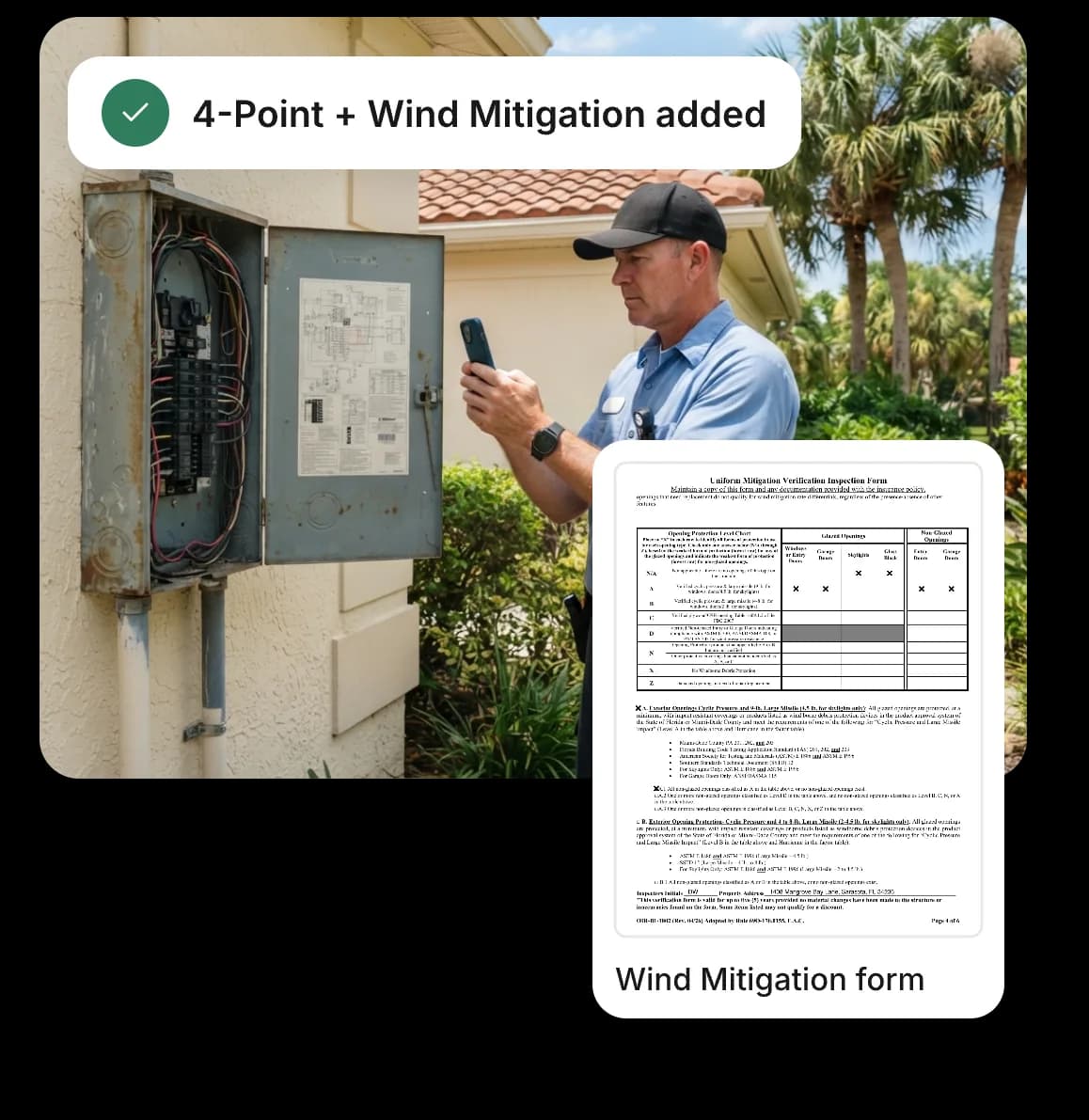
Both insurance forms, handled
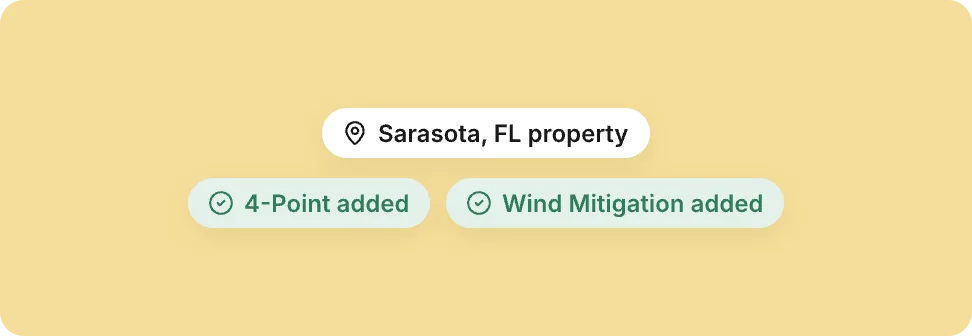
Added for Florida properties
4-Point and Wind Mitigation are added automatically for Florida properties, and only there. You can also have them created automatically for matching jobs.
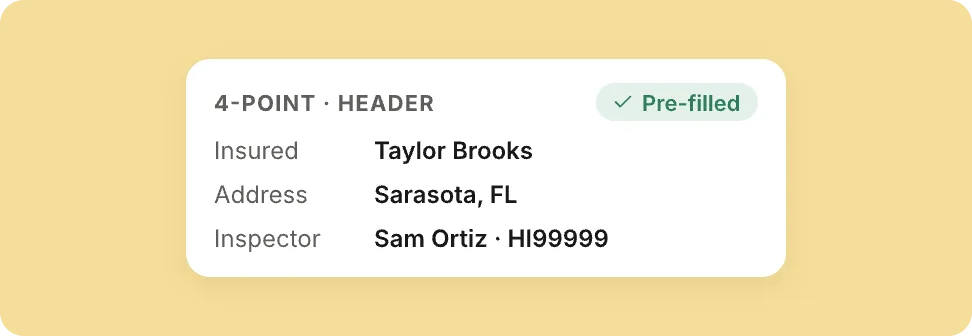
Header filled in for you
Owner, address, inspection date, inspector, license, signature and company details are filled in before you start.
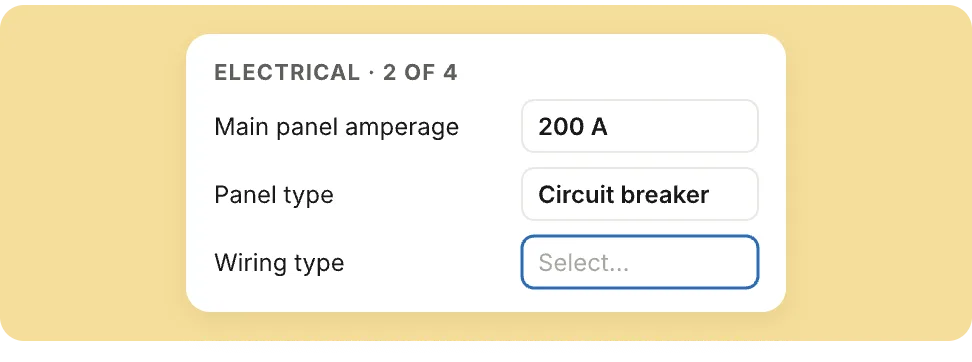
A guided form, like the official one
Answer the electrical, HVAC, plumbing, roof and opening questions in a web form that mirrors the Citizens 4-Point (Insp4pt 03 25) and OIR-B1-1802 Wind Mitigation (Rev. 04/26).
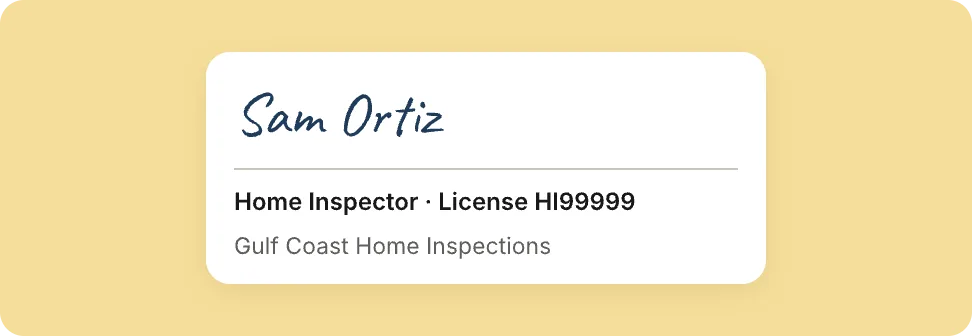
Signed, with the right license
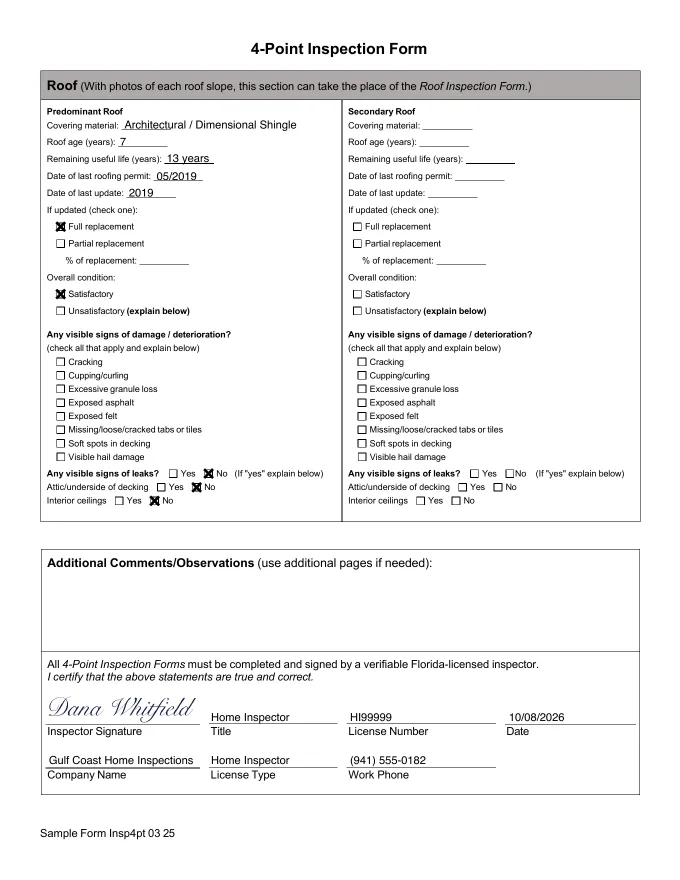
The client’s PDF carries your signature, license type and company details. AEYES picks the right Florida-accepted license for you.
What your client gets
Real pages from forms produced by AEYES. The homeowner is made up; the output isn’t.
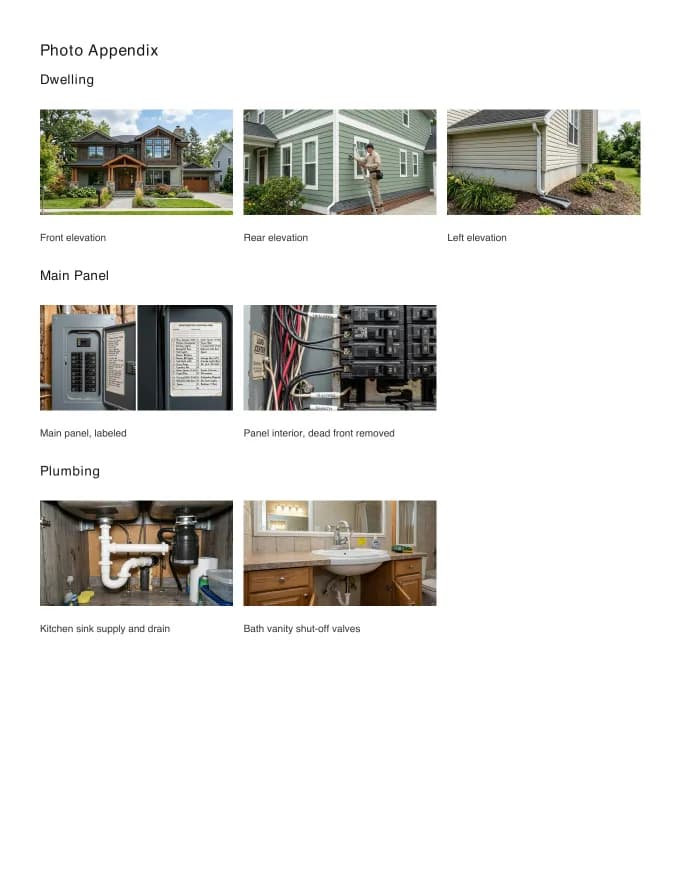
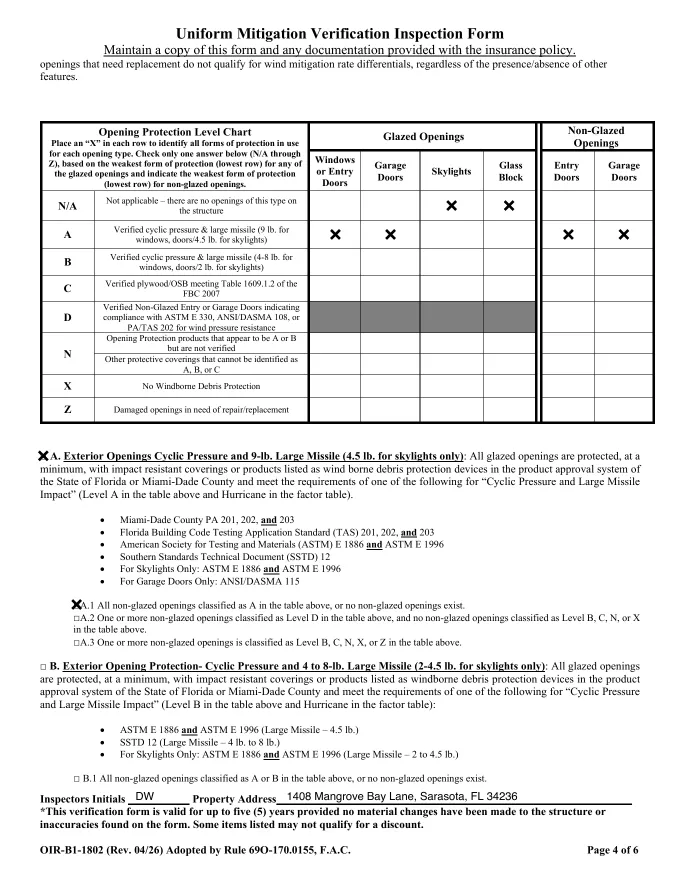
How it works on site
The header, signature and photo pages are done for you.
- 01Book the jobFor a Florida property, both forms are added to the inspection automatically, or created for matching jobs.
- 02Take the required photosPhotograph what the forms ask for as you inspect. AEYES lays out the photo pages.
- 03Answer the guided formAnswer the electrical, HVAC, plumbing, roof and opening questions in a web form that mirrors the official one.
- 04Send signed PDFsYour client gets both PDFs with your signature, license type and company details.
Florida form questions
Which form versions do you support?
AEYES supports the Citizens 4-Point (Insp4pt 03 25) and the OIR-B1-1802 Wind Mitigation form, Rev. 04/26: the version Florida requires for inspections since April 1, 2026.
Are the forms only for Florida properties?
Yes. AEYES adds the 4-Point and Wind Mitigation forms only when the property is in Florida.
Can the forms be created automatically for insurance jobs?
Yes. Besides adding them to every Florida property, AEYES can create both forms automatically for the jobs that match.
Which license goes on the form?
AEYES picks the right Florida-accepted license for you and prints it with your license type, signature and company details.
Do I fill in the answers myself?
Yes. The header, signature, license and company details are filled in for you, and the photo pages are laid out. You answer the electrical, HVAC, plumbing, roof and opening questions in a guided web form that mirrors the official one.
Can I do a home inspection and the 4-Point on the same visit?
Yes. For a Florida property the forms are added to the same inspection, so you capture everything in one visit.
Go deeper
Your next Florida insurance inspection, signed and ready.
Your first inspection is free, no card. Both forms are added for Florida properties automatically.