Nobody reads page 37.
Hand a buyer a 60-page report and watch what happens. They open the link on their phone, read the first screen, flick through a few photos and forward it to their agent. The agent does the same in half the time, usually between two showings. Whatever you wrote on page 37 might as well not exist. And when that item turns up as a surprise after closing, "it was in the report" is cold comfort for everyone, you included.
I don’t think that’s the client’s fault. They’re buying a house, and the report is one of forty emails they got that week. Our job is to write a report that works for someone who scans, because that’s who reads it.
Lead with a summary that decides things
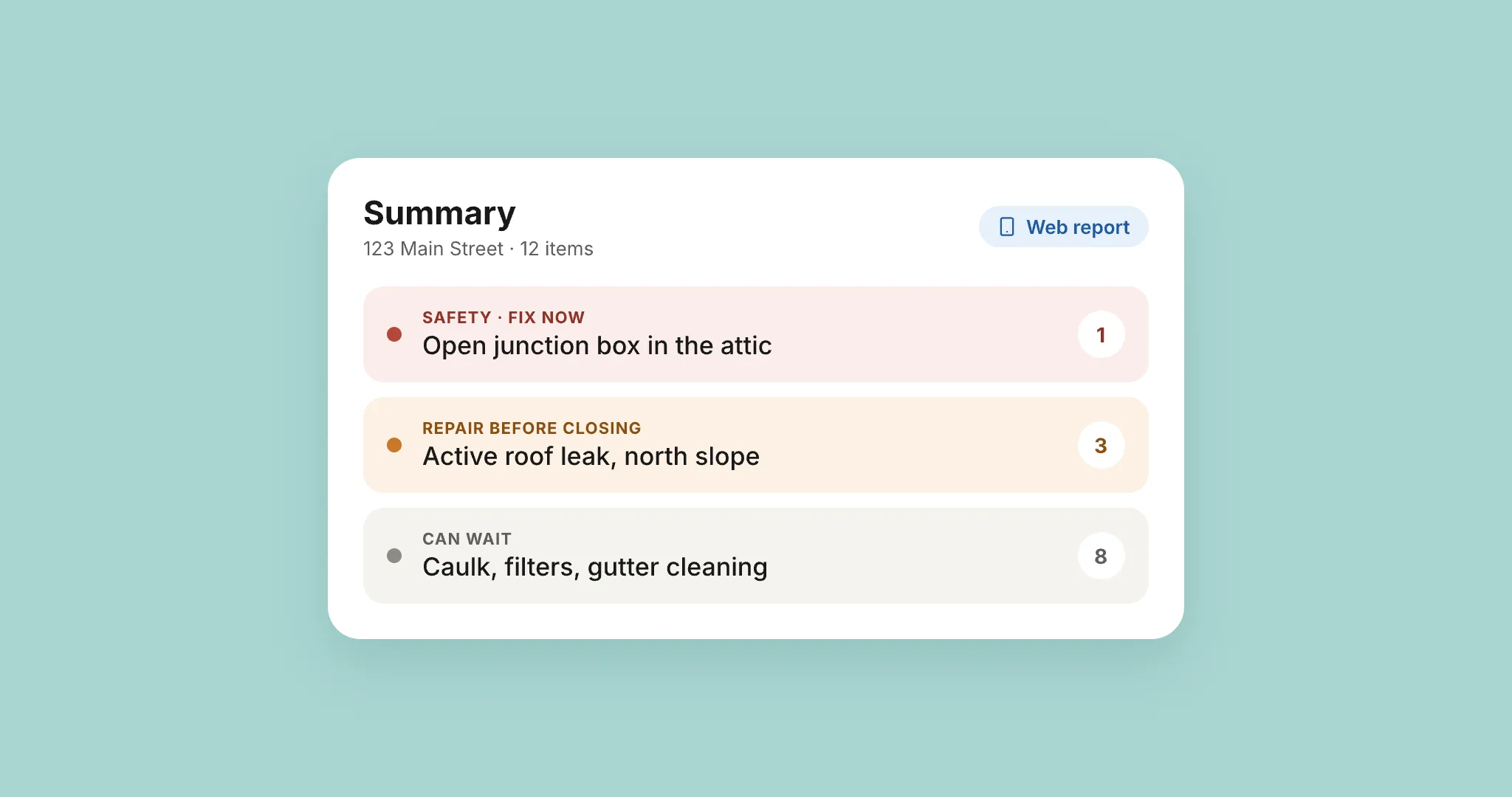
The first screen should answer the one question the client actually has: what do I need to deal with? The scope of work and the weather that morning can live further down.
Sort the summary the way they’ll act on it. Safety items go first, anything that can hurt someone: an open junction box, a missing handrail on the basement stairs, a loose gas connector. Major defects come next, the things that cost real money or get worse while you wait, like an active roof leak or a furnace on its last season. Everything else goes last, grouped, so twelve maintenance items don’t bury the one that matters.
Then label each group in words a buyer understands. "Repair before closing" tells them what to do. "Category 2" or a red triangle sends them hunting for a legend, and most of them won’t find it.
A summary that lists 40 items in the order you walked the house hasn’t decided anything for anybody. It’s a second table of contents.
One finding, one photo, one recommendation
Findings get read one at a time, often after somebody has pasted them into an email or a repair request. So each one has to make sense on its own. A good one reads like this: "Kitchen, under the sink. The dishwasher drain line has no high loop, so dirty water from the sink can flow back into the dishwasher. A plumber or handyman can add one."
That’s where it is, what it is, why it matters and who should fix it, in three short sentences. Leave one of those out and the client calls you to ask.
Put the photo right beside that text. A photo section at the back means matching photo 112 to finding 4.3, and nobody does that. One good photo also beats six mediocre ones. Pick the one that shows the problem, and put an arrow on it if the problem isn’t obvious to someone who has never been in a crawlspace.
Severity has to mean something
Clients only use your severity levels if they trust them, and they stop trusting them fast.
Three or four levels is plenty. Give each one a plain name and a rule you can say in one sentence, then apply it the same way on every job. When a dripping faucet is "major" in one report and a missing GFCI is "minor" in the next, clients learn that the labels are noise. From then on every item reads as equally urgent, or equally ignorable, and neither helps them.
A set like this works:
- Safety: could hurt someone. Fix it now.
- Major: expensive, or getting worse. Repair before closing.
- Repair: needs fixing, but it isn’t urgent.
- Maintenance: normal upkeep. Keep an eye on it.
Write the rules down. If you inspect with someone else, that sheet is how the two of you make the same call on the same water heater.
Write like you’d say it on site
On site you’d never tell a client that "the TPR valve discharge piping terminates improperly." You’d point at the pipe and say: if this valve ever opens, it sprays scalding water at whoever is standing here, so the pipe needs to run down to about six inches off the floor. Put that sentence in the report.
Explain jargon the first time you use it, or leave it out. Keep sentences short enough to read on a phone. And hedge only where you have to. When every line "appears to" or "may indicate" something, the report sounds like you weren’t sure of anything, and the client can’t tell your real doubts from your habits.
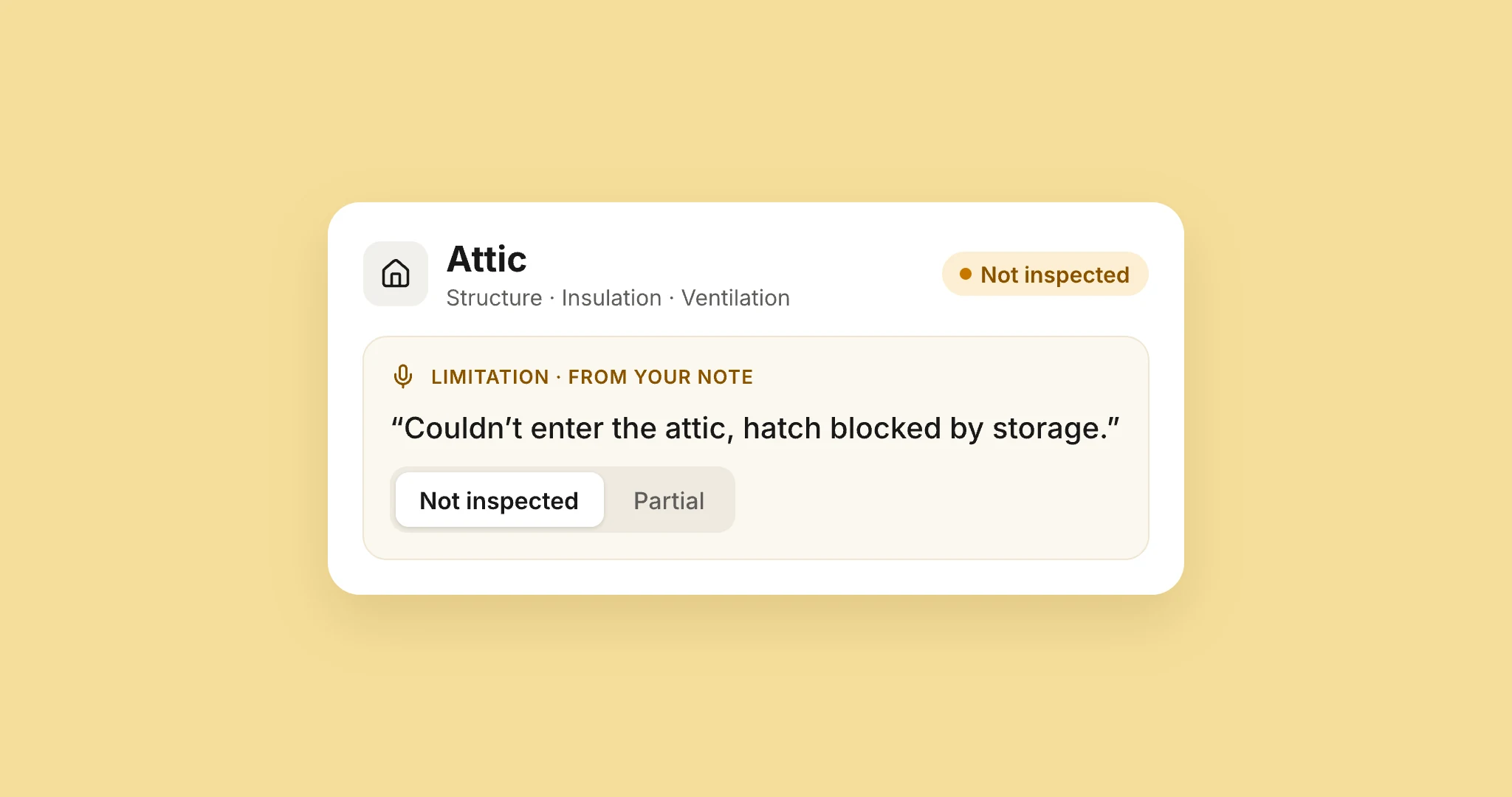
Real limits still need saying, plainly. "Seen but not operated" is fine once you say what it means: "I looked at the water heater, but the gas was off, so I couldn’t run it." Now the client knows exactly what you checked and what you didn’t. We wrote about where that line sits in Seen, but not operated.
Make it easy to act on
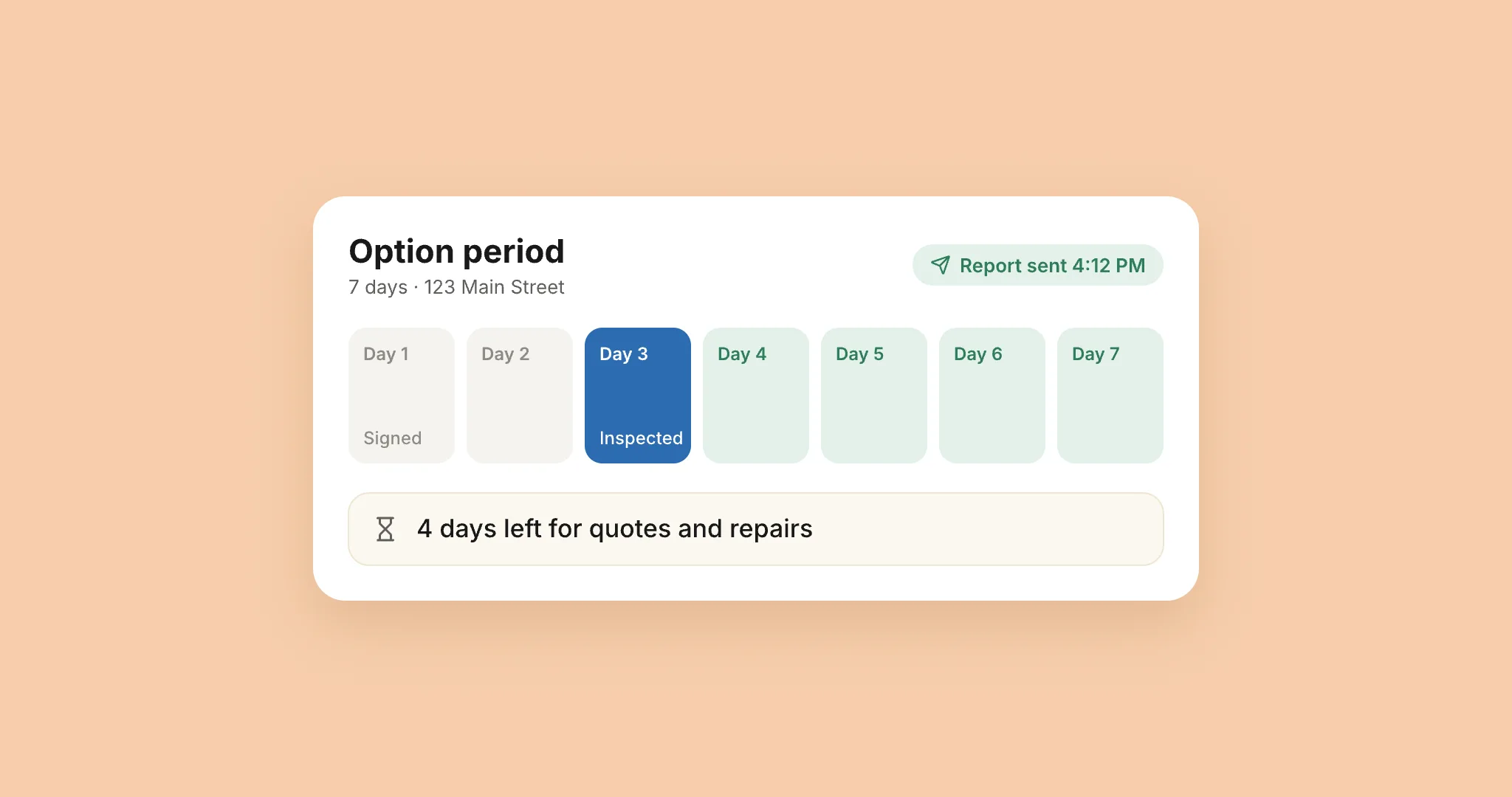
For the client, reading the report is step one. Then come repair requests, quotes and a negotiation, usually against a deadline.
Give them a repair request list they can build straight from your findings and send on, so nobody retypes your words into an email to the seller’s agent. Give them a web version that opens properly on a phone, with the summary on top. Most clients tap the link on their phone first, and a 60-page PDF on a phone is all pinching and scrolling. Keep the PDF for the file.
And when the defect list is long, pick up the phone. I talk to the agent before the client opens the report. A few minutes of context up front heads off a lot of panic later.
How AEYES helps
I built AEYES because I wanted my reports to work like this without writing them at the kitchen table at night.
You take the photo, and AEYES drafts the finding from it: what it is, the likely cause and what to recommend. It uses your own narratives where you have them, in the length and style you set, and nothing goes into the report until you approve it.
Every finding carries one of four severity levels, and you can rename them in your template to the words your clients understand.
The web report opens with an overview built from what you approved: what was inspected, and how many defects sit at each level. Clients switch between the detailed report, the summary and the PDF, on a laptop or a phone. From the report, your client or their agent can pick findings, mark each one repair, replace, credit or further evaluation, and send the list on.
A checklist for your own template
Copy these into your template notes and hold your next report up against them:
- The summary is on the first screen: safety items, then major defects, then what can wait.
- Every finding says where it is, what it is, why it matters and who should fix it, with its photo right next to it.
- Three or four severity levels in plain words, each with a one-line rule you apply every time.
- No jargon you wouldn’t say out loud, and a hedge only where you really couldn’t see or test something.
- Your client can open it on a phone and send repair requests without retyping anything.