You’ll write every report for years in whatever tool you pick, so it’s worth choosing carefully. In 2026 the field has split: a few tools now draft findings from your photos, while most still start from a comment library you pick from.
The short answer: Spectora is the safe all-rounder. AEYES is the pick if time is what you’re short of: customers tell us it roughly halves an inspection, write-up included, and for teams it costs less than Spectora with its CRM plan. Home Inspector Pro suits reports in other languages, HomeGauge suits fine layout control, Inspector Toolbelt and Tap Inspect keep costs down, and InspectorData is the newest AI-first option.
Quick comparison
Swipe to see prices
| Tool | Best for | Starting price |
|---|---|---|
| Spectora | Solo inspectors and teams who want a proven all-in-one tool with a big community | $109/mo |
| AEYES | The fastest all-in-one: about half the time per inspection, report finished on site | $10/inspection |
| Home Inspector Pro | Reports in other languages, with phone support seven days a week | $89/mo |
| HomeGauge | Fine control over report layout, from a company around since 2001 | $89/mo |
| Inspector Toolbelt | Budget-minded solo inspectors and small teams | $79/mo |
| Tap Inspect | Part-time iPhone inspectors who pay per job | $7.50/job |
| InspectorData | Early adopters who want photo AI at a flat price | $79/mo (intro) |
Starting prices for one inspector, checked October 14, 2026. Extra inspectors and CRM plans cost more; each tool’s card below has the details.
The 7 tools, one by one
1Spectora
Pros
- 12,000+ inspectors, a big template library and community
- Flat price with no inspection limit
- Optional website add-on, from $69/mo
Cons
- AI writes from typed or spoken notes, not from photos
- The CRM needs Advanced (+$4 per inspection), and each extra inspector is $99/mo
2AEYESOur product
Pros
- About half the time per inspection: customers tell us 4 hours drops to 2–2.5, write-up included
- Every photo becomes a drafted finding, ready to approve on site
- Switch in an afternoon: upload a past report as a PDF
- CRM, scheduling and the Ask AEYES™ assistant in every plan
- TREC, Florida 4-Point and Wind Mitigation forms built in
Cons
- Per-inspection fee: a busy solo inspector who needs no CRM pays less on a flat-rate tool
- Newer than the big names, with a smaller community
3Home Inspector Pro
Pros
- Reports translated into other languages with AI
- Bigger teams save: $5 off per inspector after the first five
- 30-day trial with no card, plus free template conversion
Cons
- Photo AI isn’t on HIP’s product pages
- Mobile reports are finished on the desktop
4HomeGauge
Pros
- Deep control over templates and report layout
- Agents get a built-in repair request list
- Serving inspectors since 2001, with U.S. phone support
Cons
- Report writer is Windows-only (Mac needs a virtual machine)
- No AI features advertised
5Inspector Toolbelt
Pros
- Back office included: booking, e-sign, payments, repair lists
- Extra inspectors only $35/mo
- Works on iPhone, Android and in a browser
Cons
- AI drafts text from keywords, not findings from photos
- Needs signal to create and publish reports
6Tap Inspect
Pros
- 4.8 stars from nearly 5,000 App Store ratings
- Pay per job, or flat when you’re busy
- 5 free inspections to try it
Cons
- No Texas TREC or Florida wind mitigation forms yet
- iPhone and iPad only, no AI
7InspectorData
Pros
- Drafts comments from your photos
- 8,000+ comment library and voice input
- 30-day trial, 60 days through InterNACHI
Cons
- Very new: iPhone app since August 2026
- Offline covers photo capture only; TREC still in beta on mobile
ALSO WORTH KNOWING
ISN (Inspection Support Network)
ISN is mainly an office and scheduling platform for inspection companies, and it includes its own report writer. It costs $7.25 per inspection for the first 50 a month, plus a monthly minimum it doesn’t publish. Its Defect Detector suggests one comment per uploaded photo, up to 10 photos at a time. You can also pair ISN with another report writer.
How we evaluated
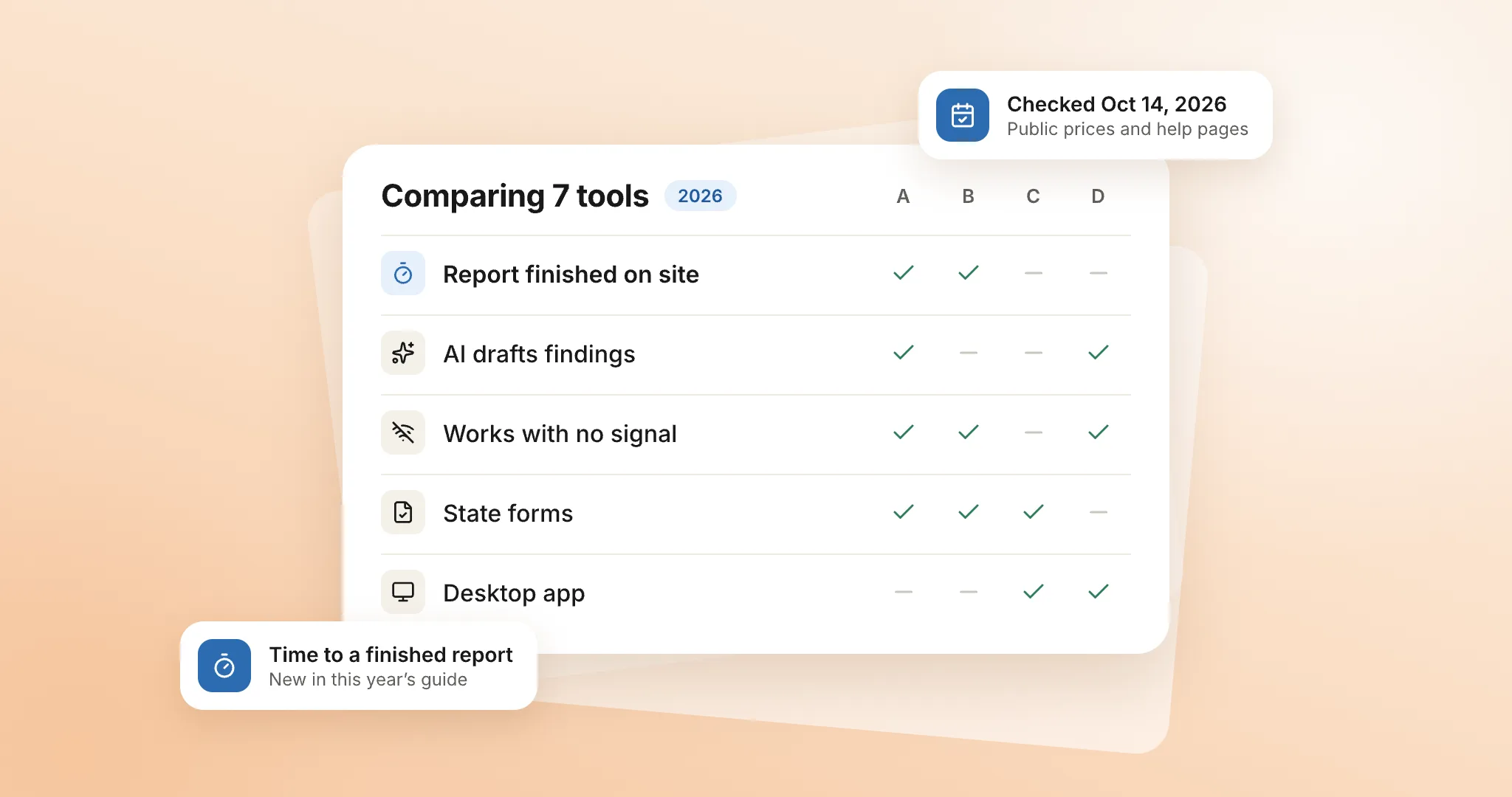
We picked seven tools: the best-known names, the ones inspectors recommend most, and the newest AI-first challenger. We checked each one against its own pricing pages, feature pages and help center on October 14, 2026, and ranked AEYES on the same criteria as the others. Where a vendor’s pages didn’t confirm something, we left it out rather than guess.
- Price for solo inspectors and 2–3 inspector teamsStarting price for one inspector, plus what a CRM plan and extra inspectors cost where the vendor publishes it. Public list prices, no promo deals.
- Time to a finished reportWhere does the write-up happen: on site as you go, or at a desk that evening? That’s what decides how long a report really takes. Speed figures come from vendors or their customers, so we say whose they are.
- AI help on siteDoes it draft findings from photos, from text, or not at all?
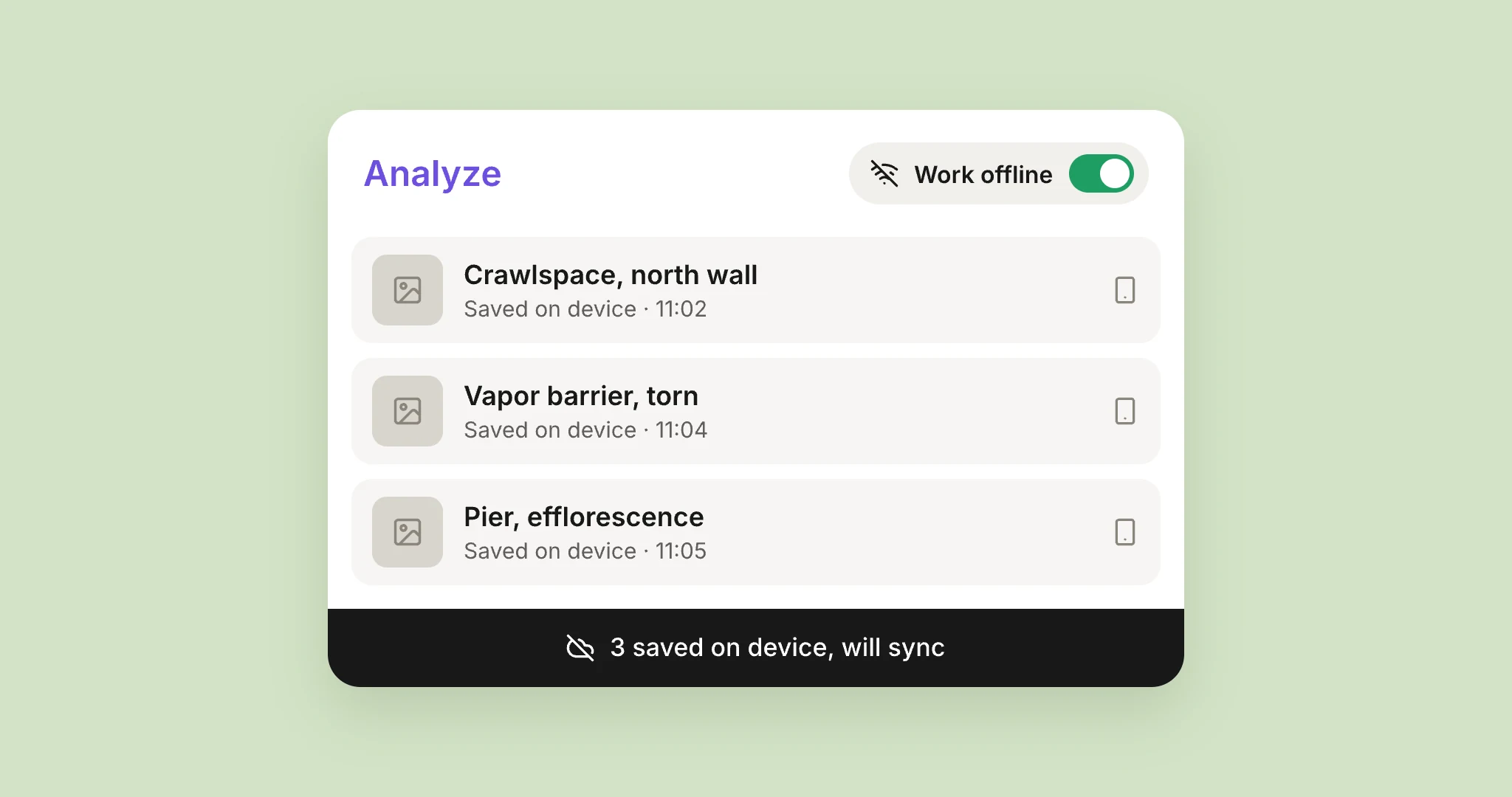
- Working with no signalCan you keep capturing in a basement or crawlspace?
- State formsTexas TREC REI 7-6, Florida 4-Point and Wind Mitigation (OIR-B1-1802, Rev. 04/26).
- Switching effortCan you bring your current report, and how?
- PlatformsiPhone, Android, web and desktop.
Last checked October 14, 2026. We update this guide when prices or features change. Spotted something out of date? Tell us.
FAQ
What is the best home inspection software for a new inspector?
Starting out, a per-inspection plan keeps costs low while you build volume: AEYES at $10 or Tap Inspect at $7.50, with no monthly fee. If you plan to hire and need a CRM, compare each tool’s CRM plan and its price per extra inspector, not just the starting price.
Which home inspection software works offline?
AEYES, Spectora and Home Inspector Pro say plainly that they work without signal, and HomeGauge’s app implies it. ISN needs offline mode turned on (with biometric login), Inspector Toolbelt needs signal to create and publish reports, and InspectorData works offline for photo capture only.
Is there home inspection software with AI?
Yes, and it works in different ways. AEYES drafts a finding from every photo as you take it. ISN’s Defect Detector suggests a comment per uploaded photo, up to 10 at a time, and InspectorData drafts comments from photos. Spectora’s AI writes from typed or spoken notes, and Inspector Toolbelt’s from keywords.
Which apps support the Texas TREC form?
AEYES, Spectora, HomeGauge, Home Inspector Pro, ISN and Inspector Toolbelt all support the REI 7-6. InspectorData has it in beta on mobile, and Tap Inspect doesn’t support it yet.
Which apps support Florida 4-Point and Wind Mitigation forms?
AEYES, Spectora, HomeGauge, Home Inspector Pro, ISN, Inspector Toolbelt and InspectorData. Tap Inspect doesn’t.
How long does it take to switch inspection software?
It depends on how your report gets in. AEYES builds your template from a past report as a PDF. Spectora imports from a few tools or a spreadsheet, Home Inspector Pro offers free template conversion, and ISN imports from Spectora.